VS Score real life
The game is here.
Put the score everywhere.
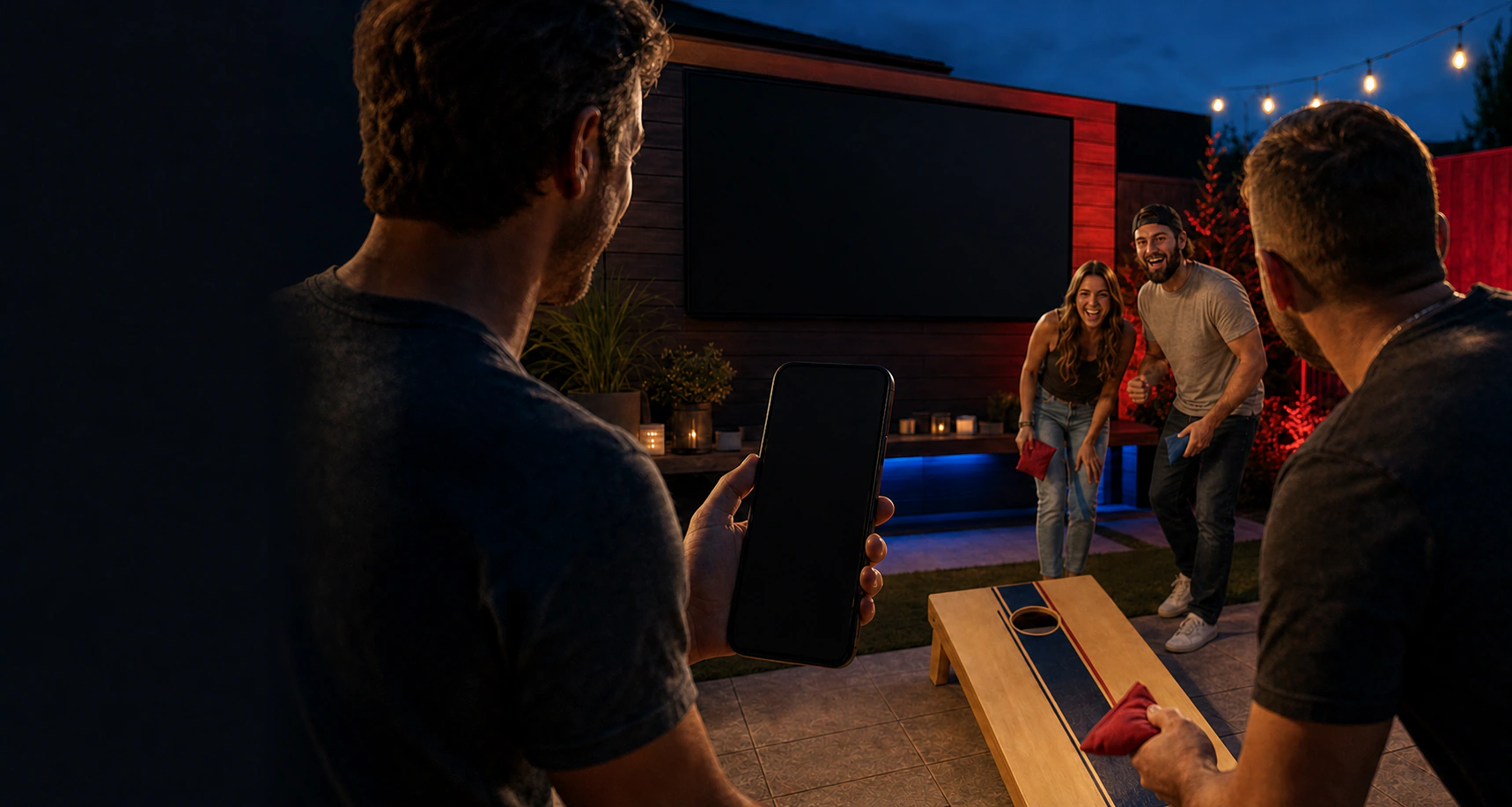
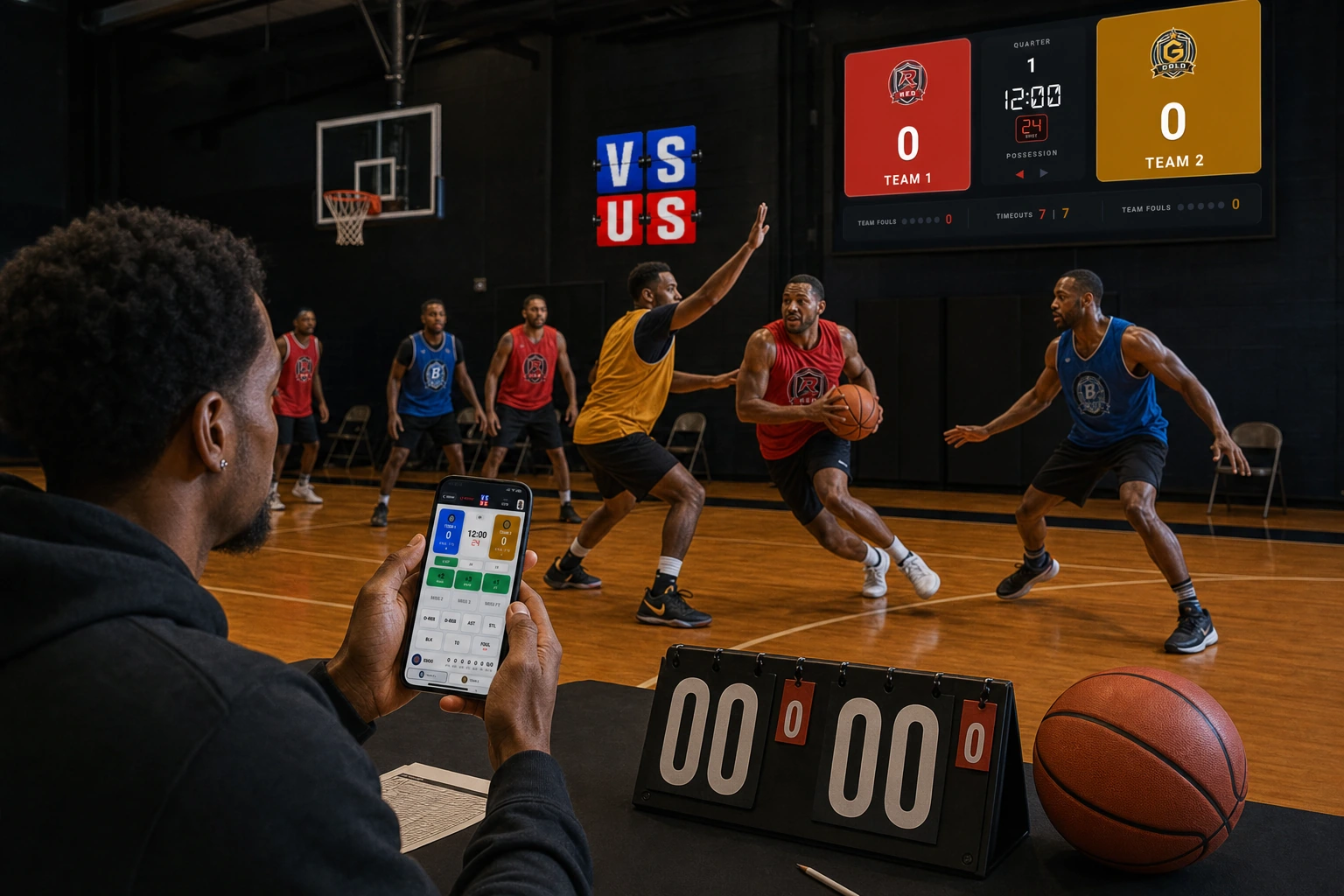
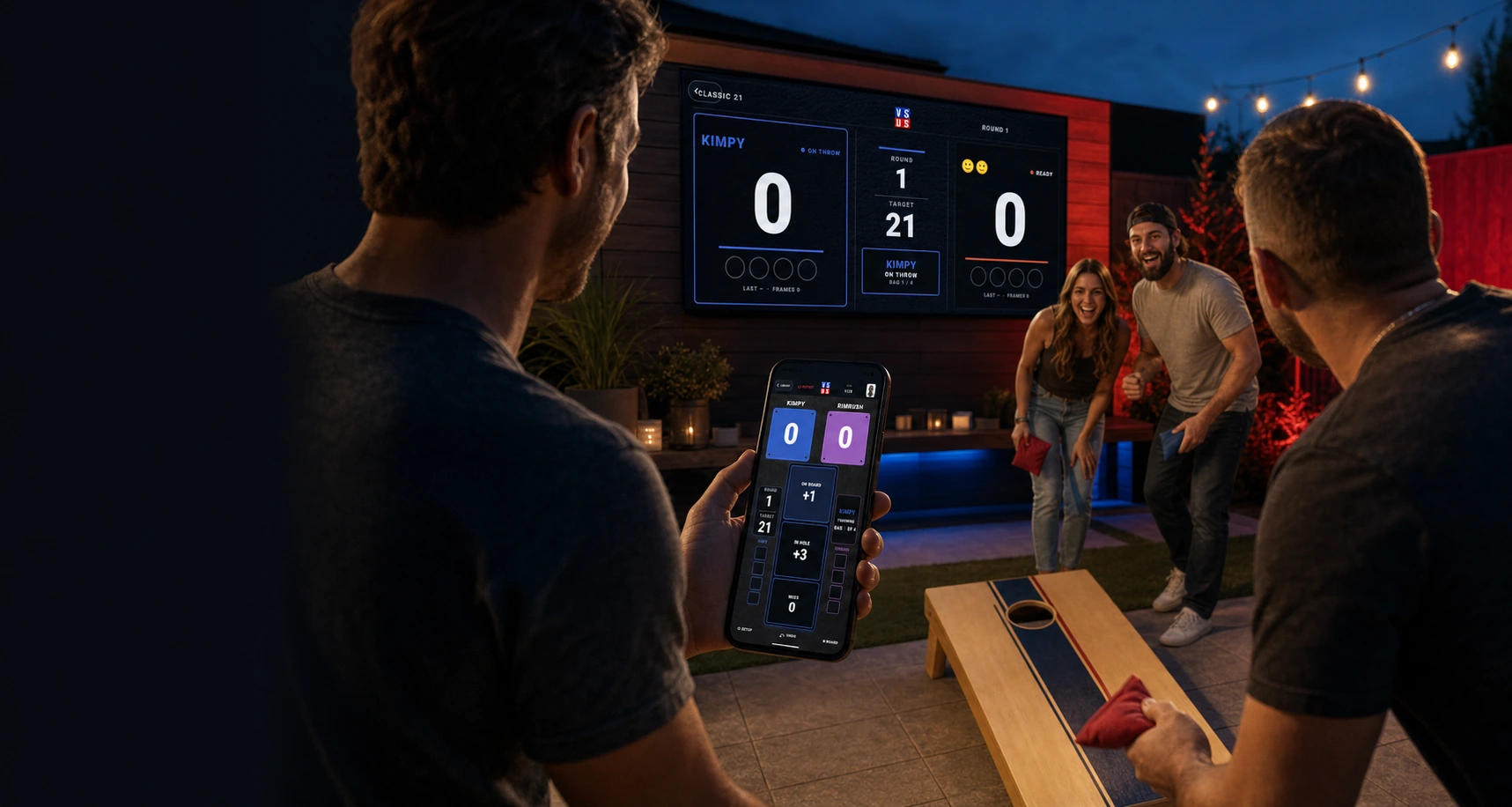
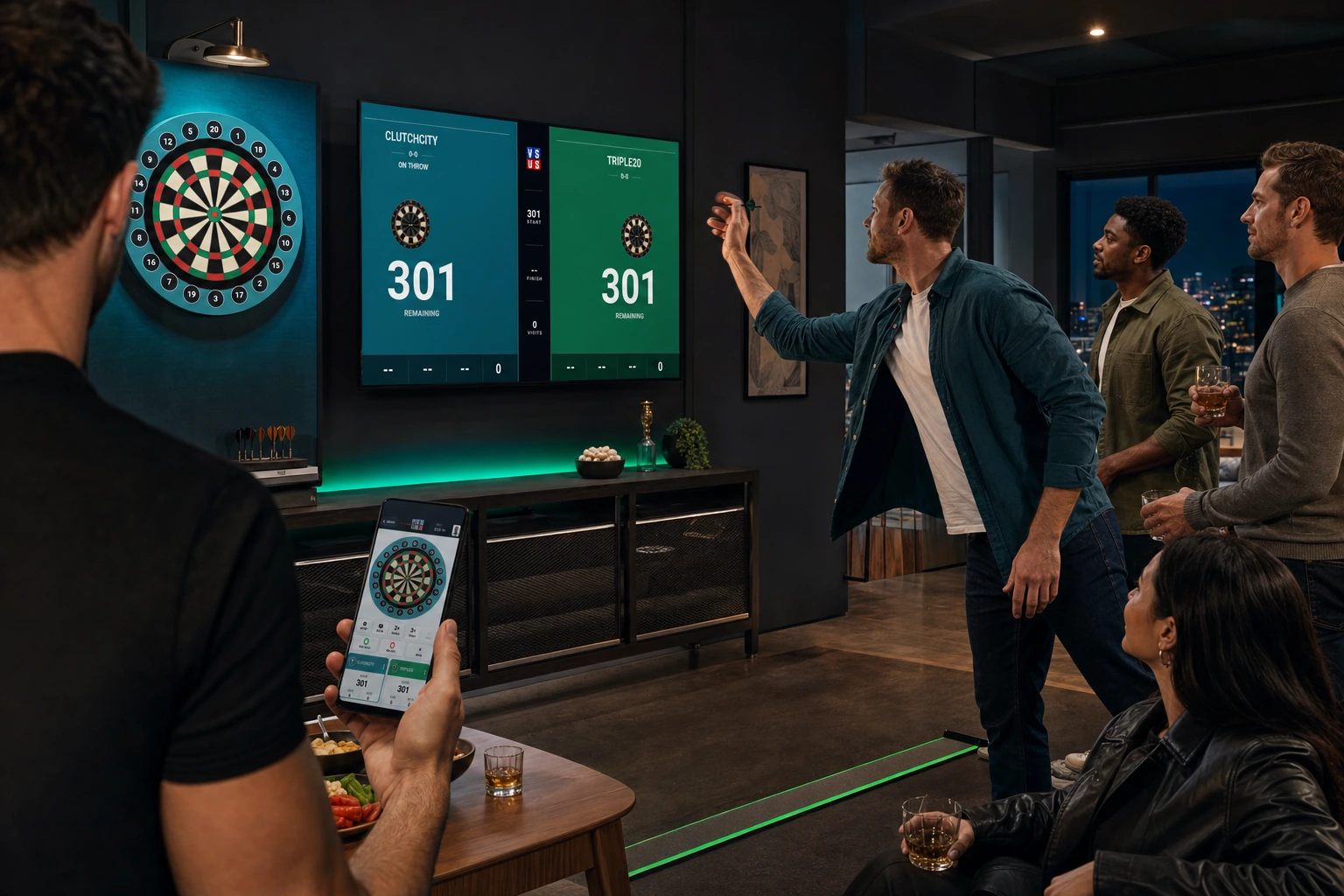
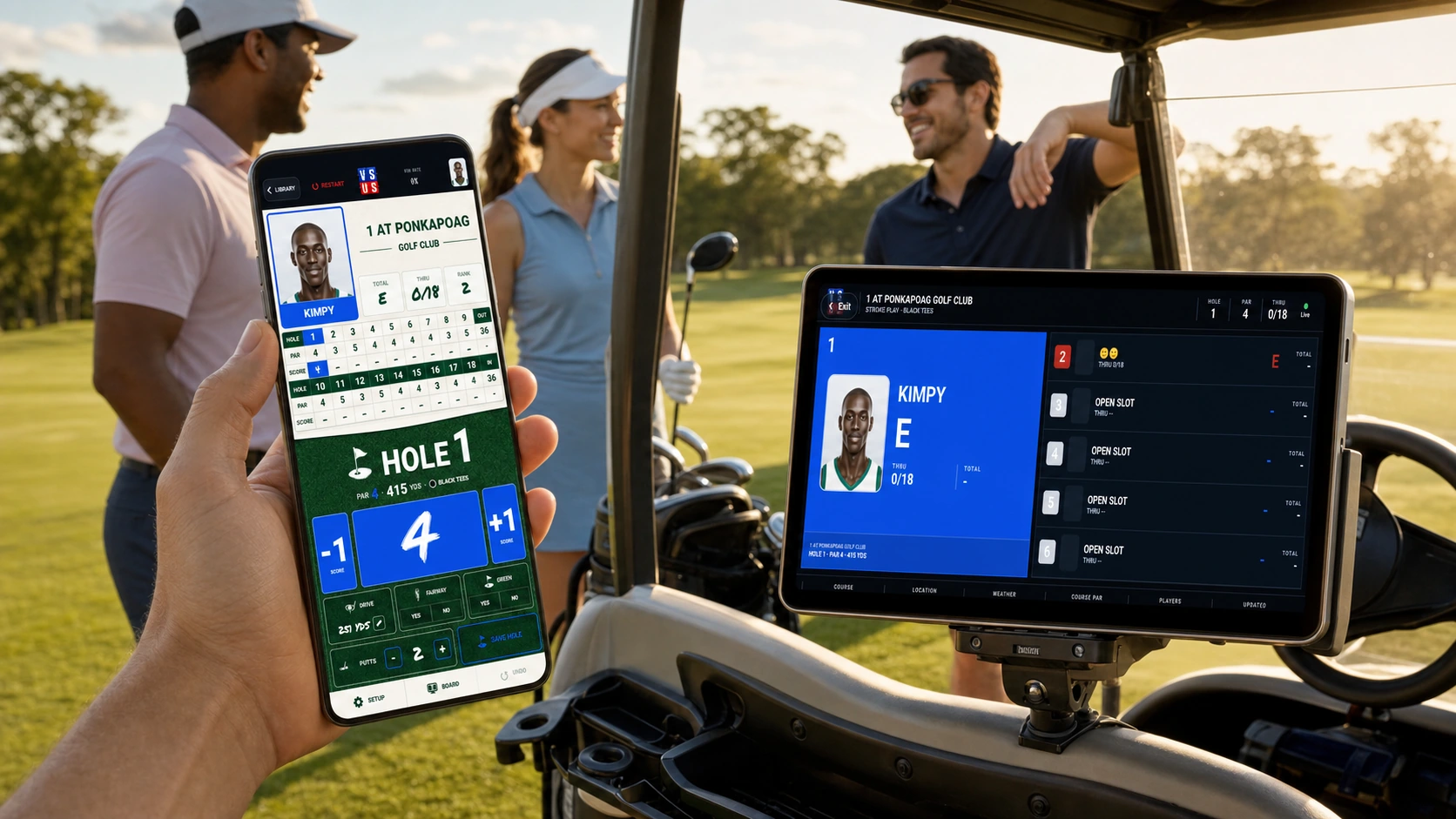
One scorer runs the matchup from the phone. Everyone else follows the live Board. Basketball, Cornhole, Darts, Golf, Cards, Fitness, and whatever your group invents next.
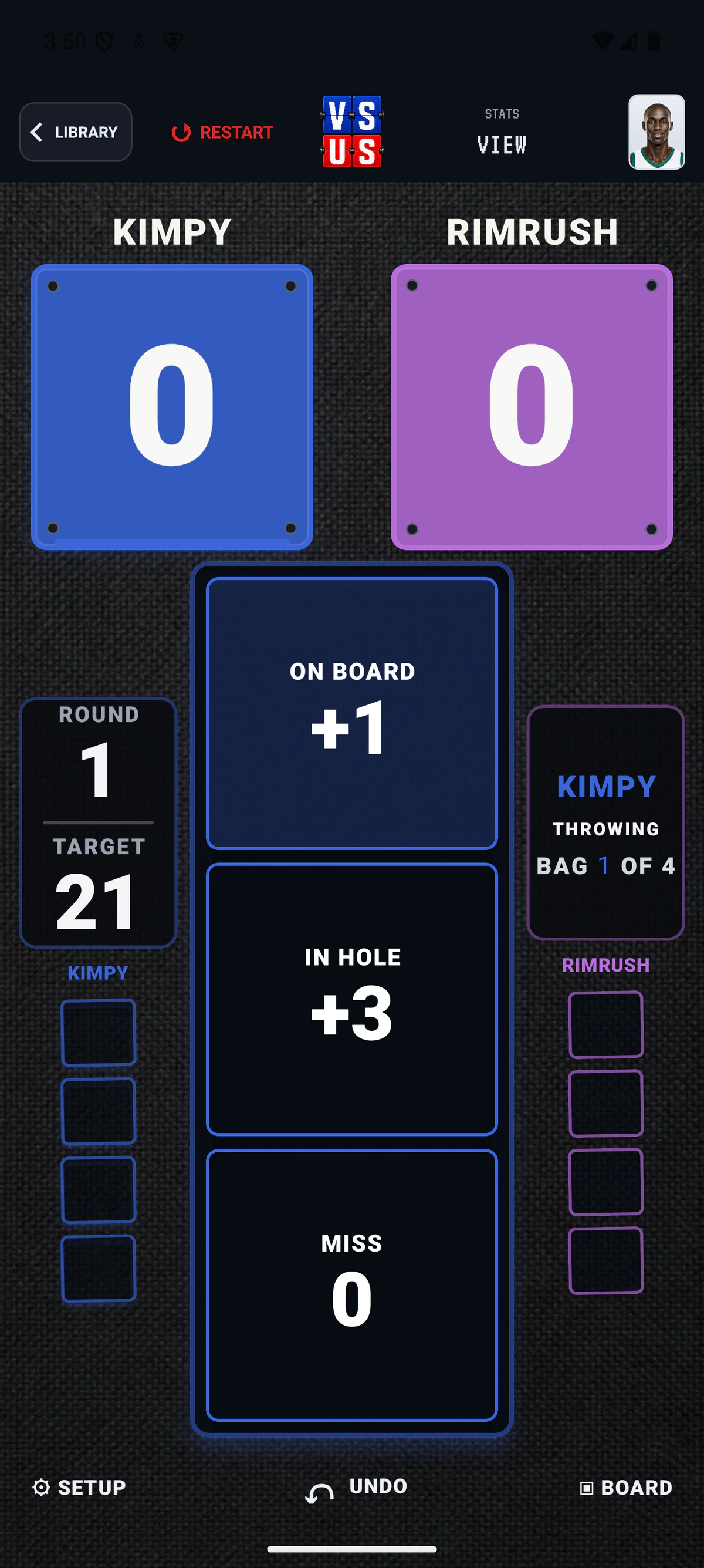
Real screens from VS US 0.1.11 (13) on Android
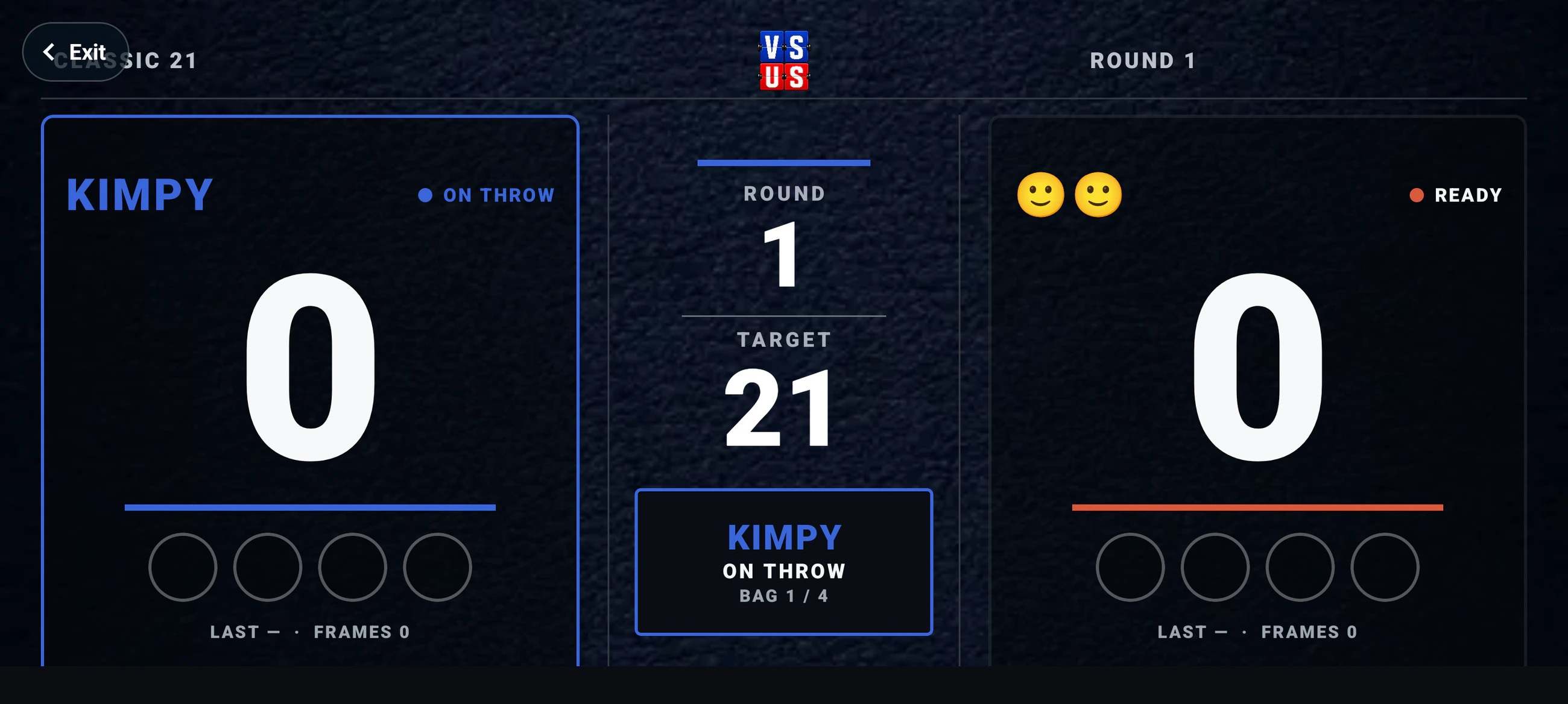
LIVE Scoreboards in the room
Every matchup.
Built for the big screen.
Current VS US scoring screens on the phone. Current Boards and leaderboards on real room displays. Pick a game and see the whole setup.
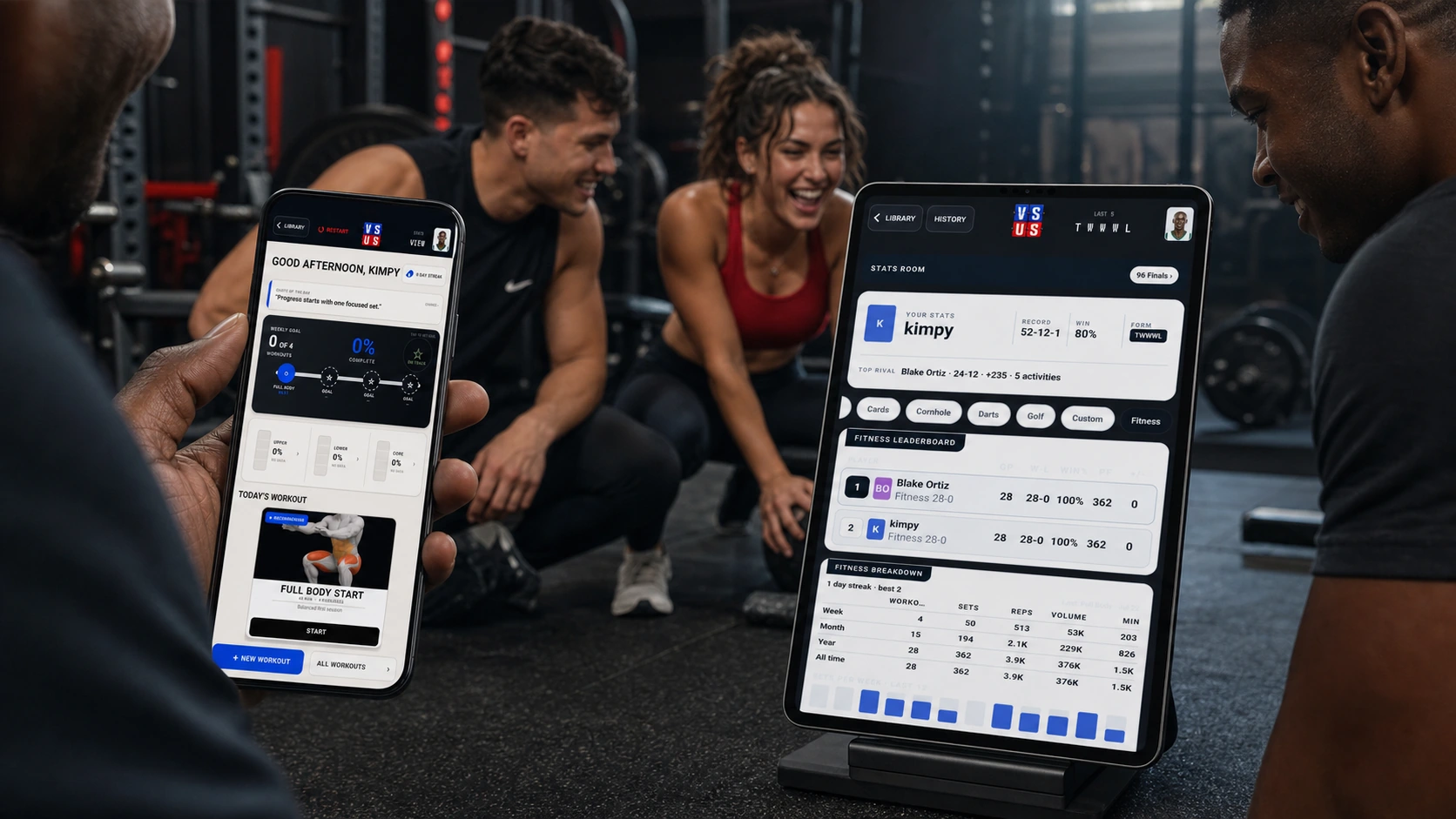
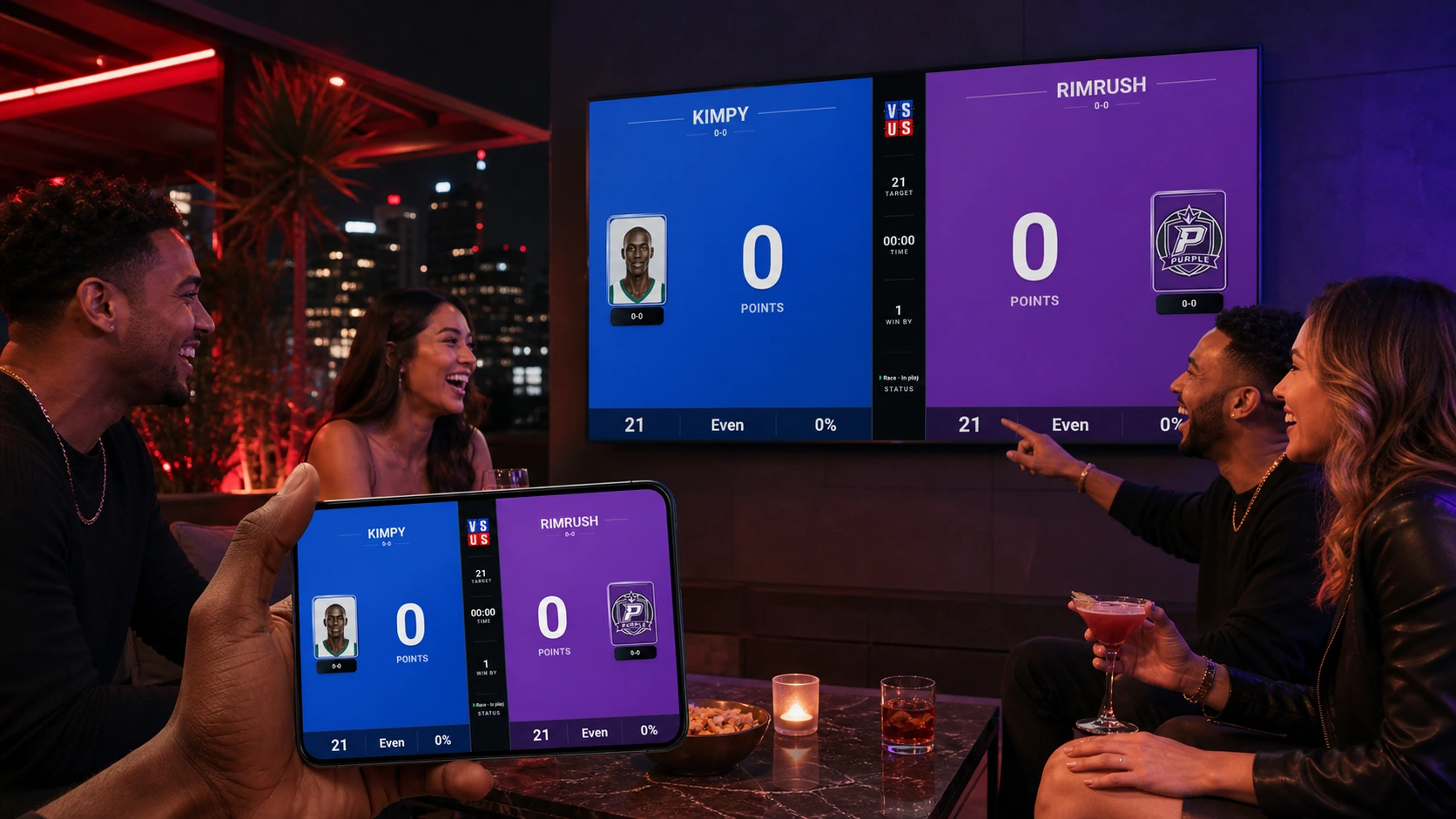
01 Pick the matchup
This is the app.
Not a stand-in.
Swipe the current Library, pull your party into the game, and start with rules built for what you are actually playing. Every image on this page came from the current Android build.
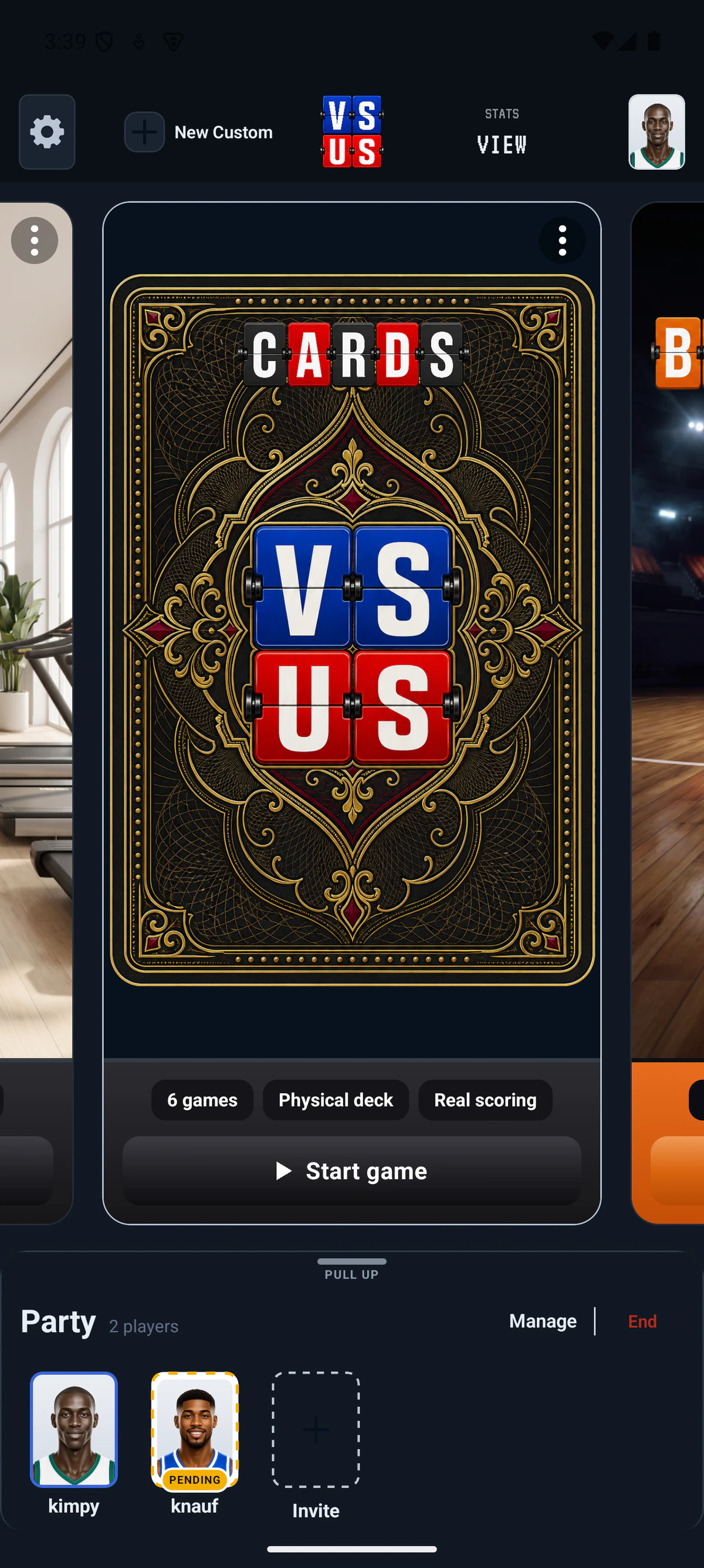
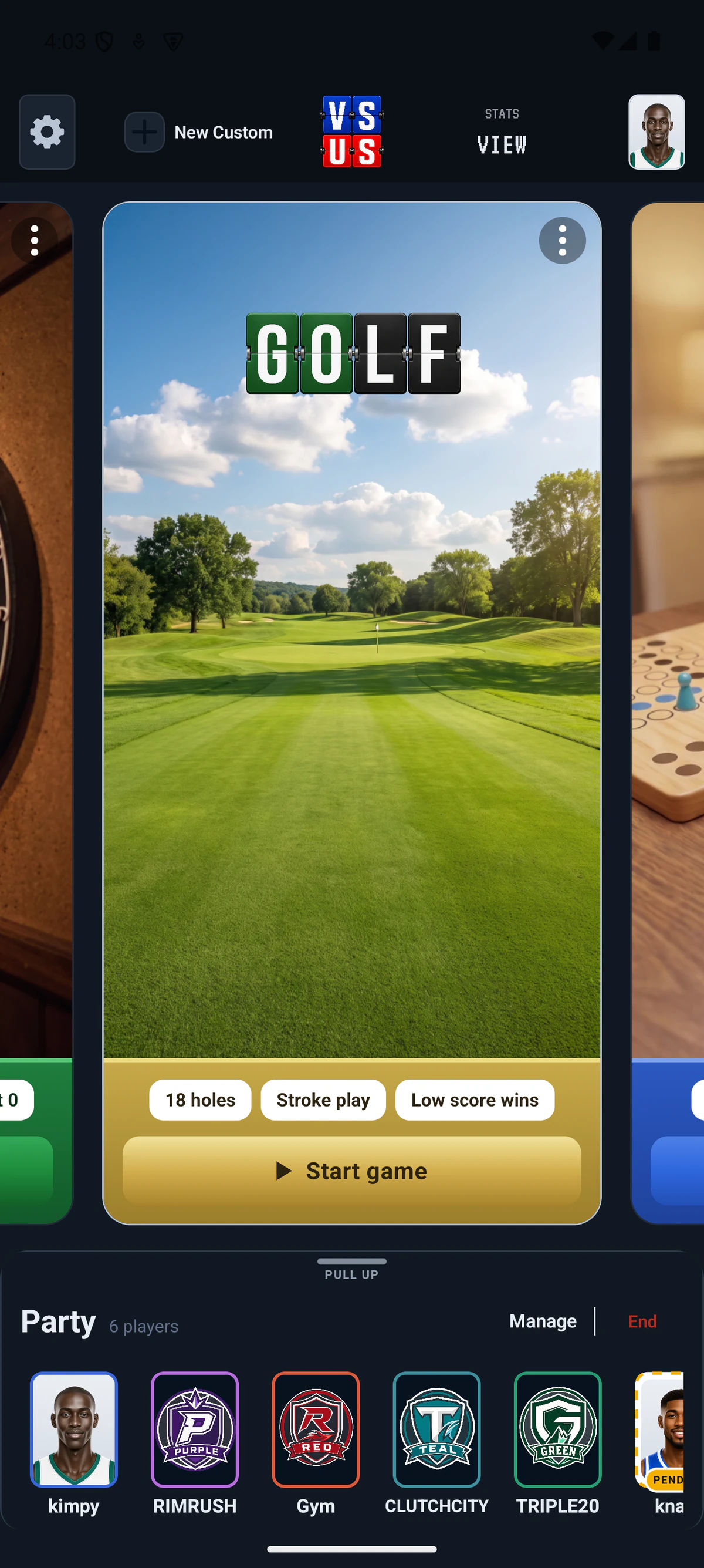
BUILD 13
02 Make it yours
Same rules.
Completely different energy.
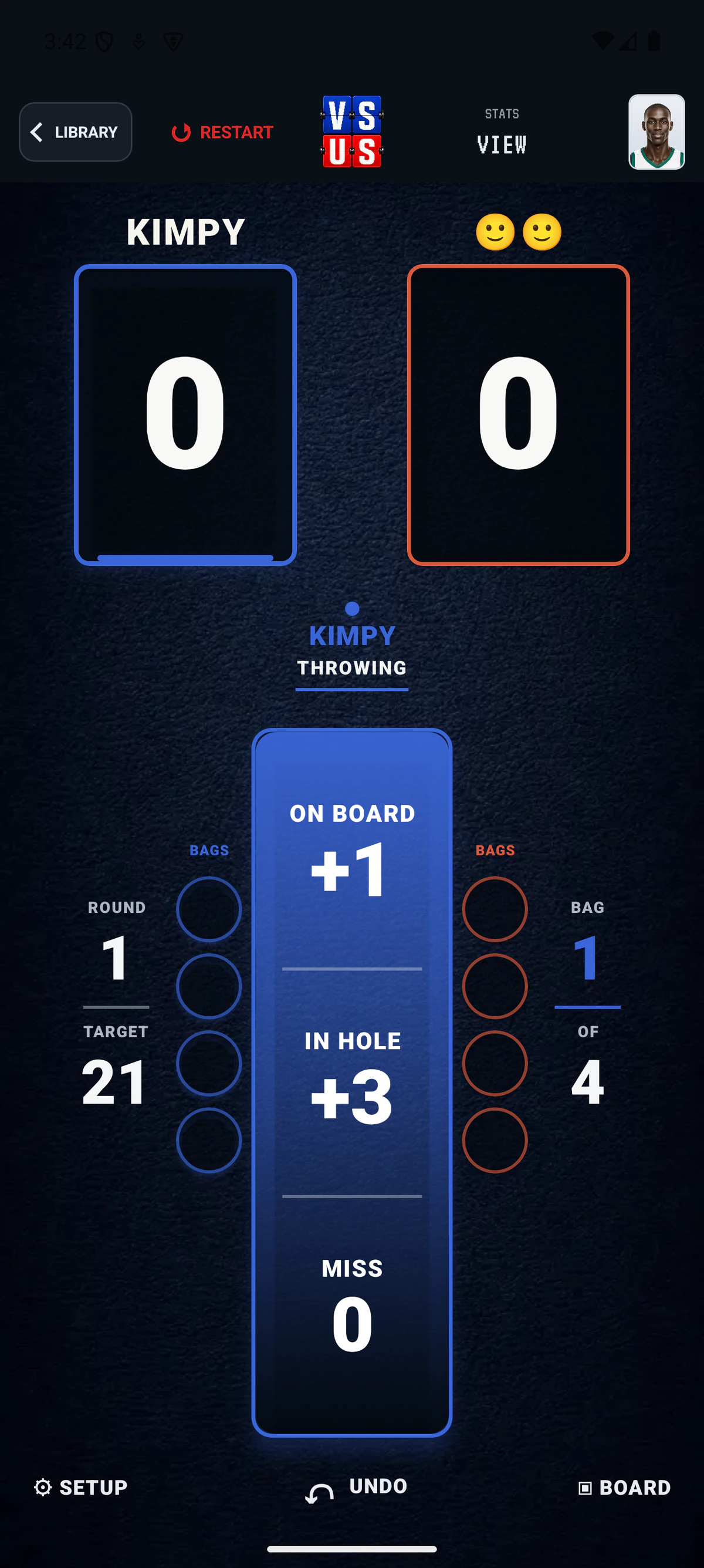
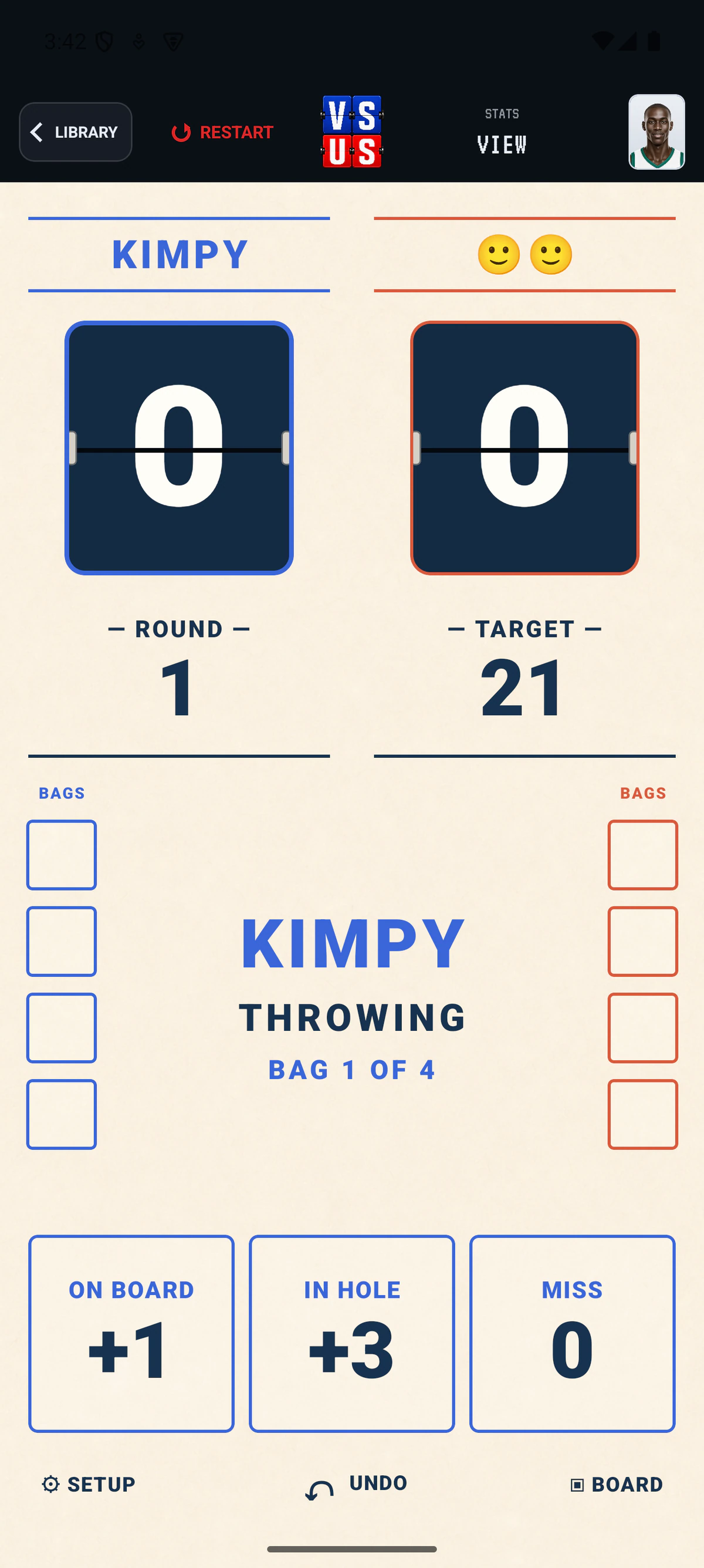
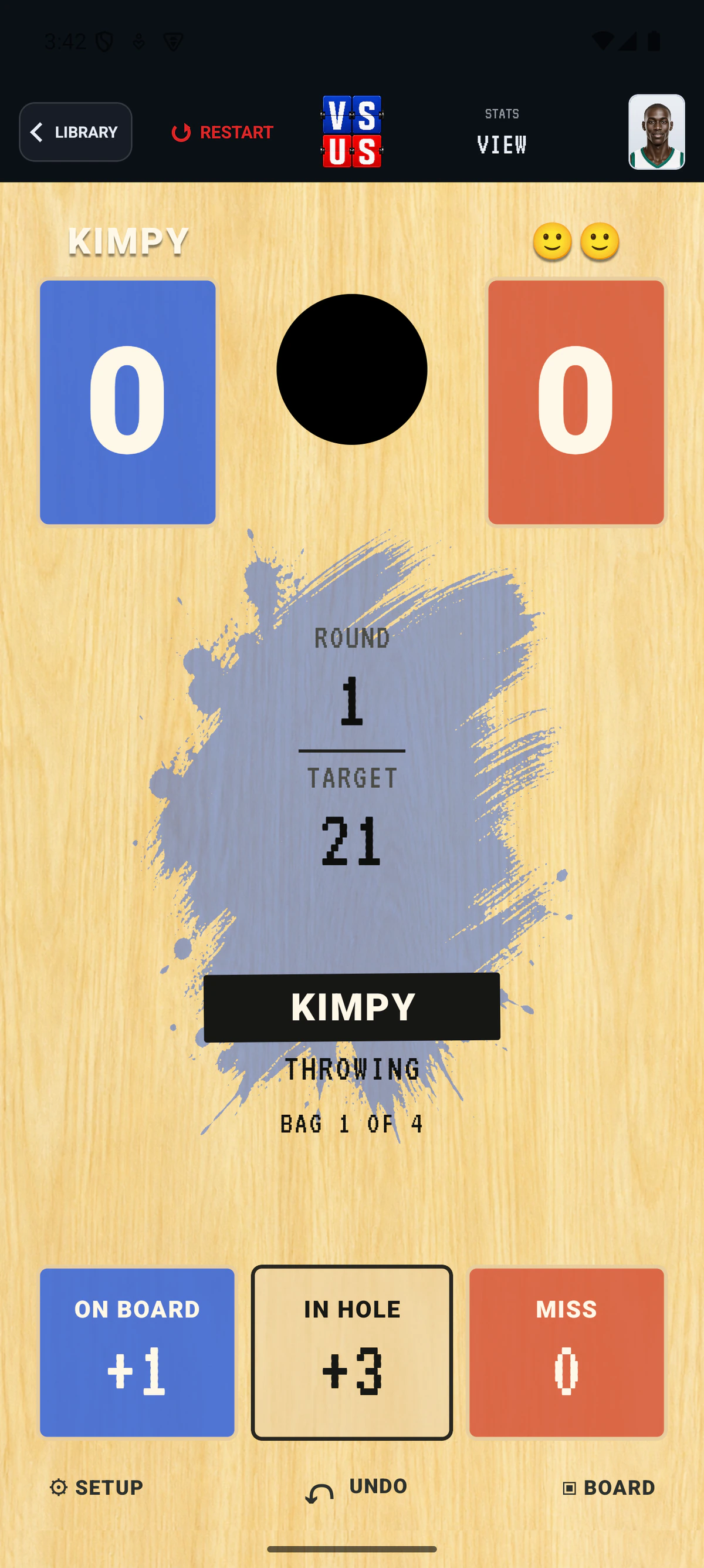
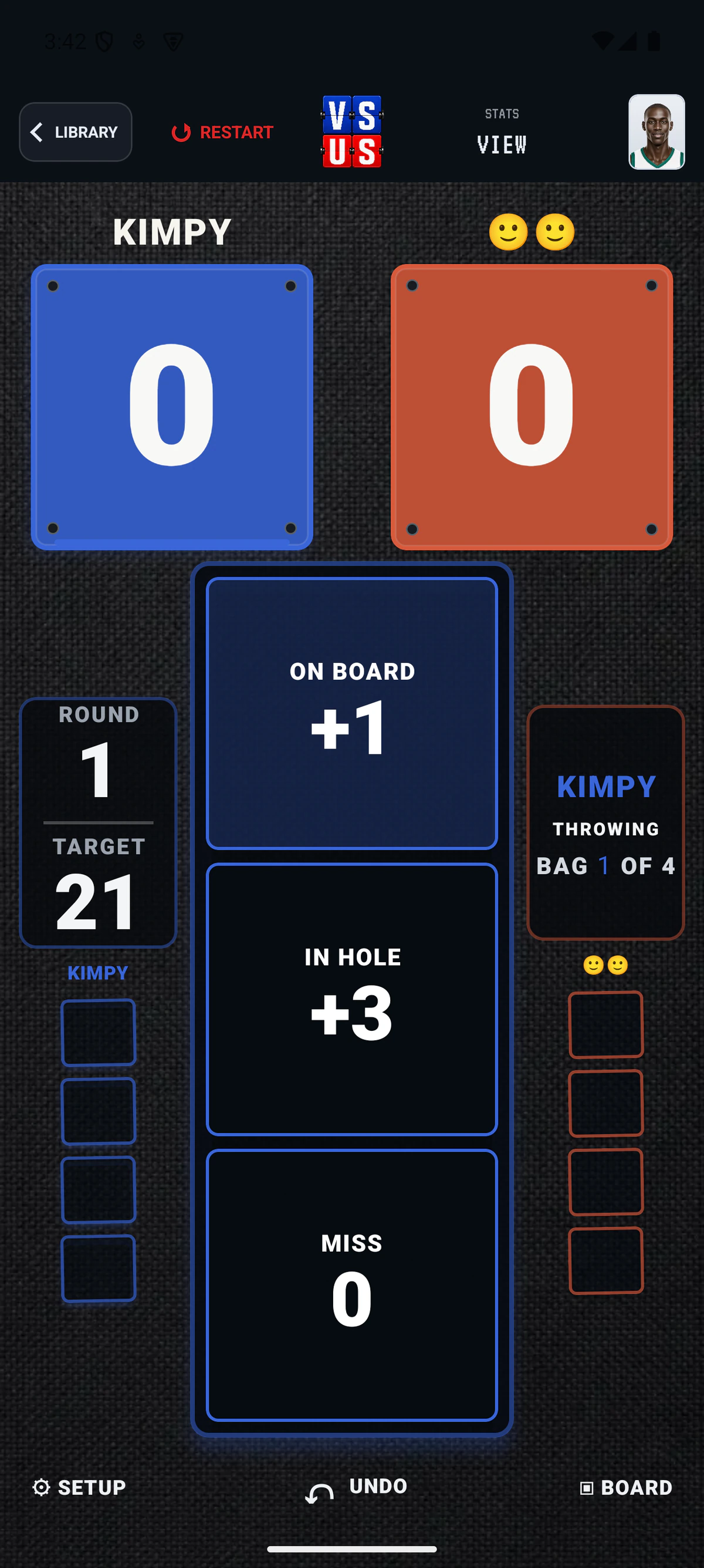
Choose a score-screen skin, then choose a separate look and middle-bar setup for the room Board. These are four current Cornhole surfaces—one activity, four very different matchups.
03 Build the screen
Pick the skin.
Arrange the Board.
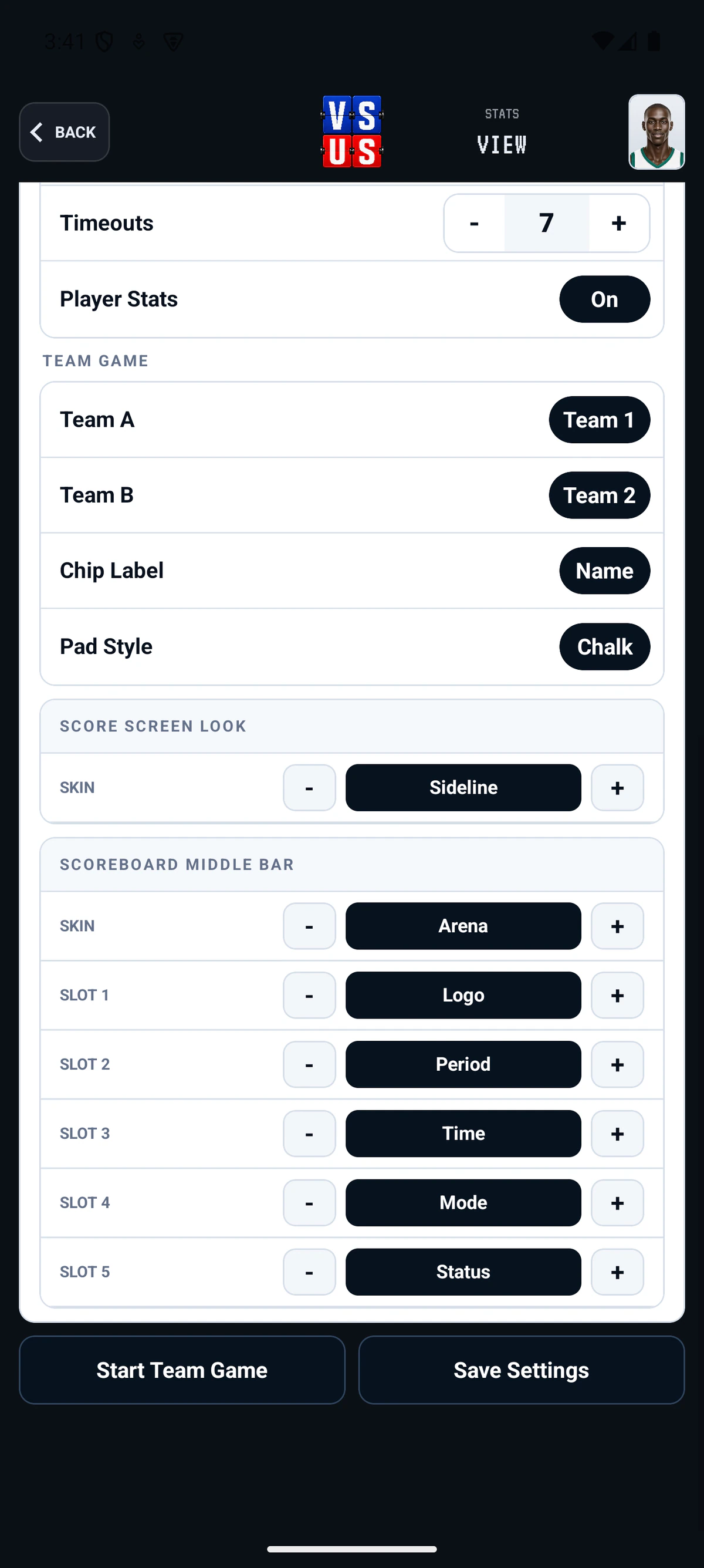
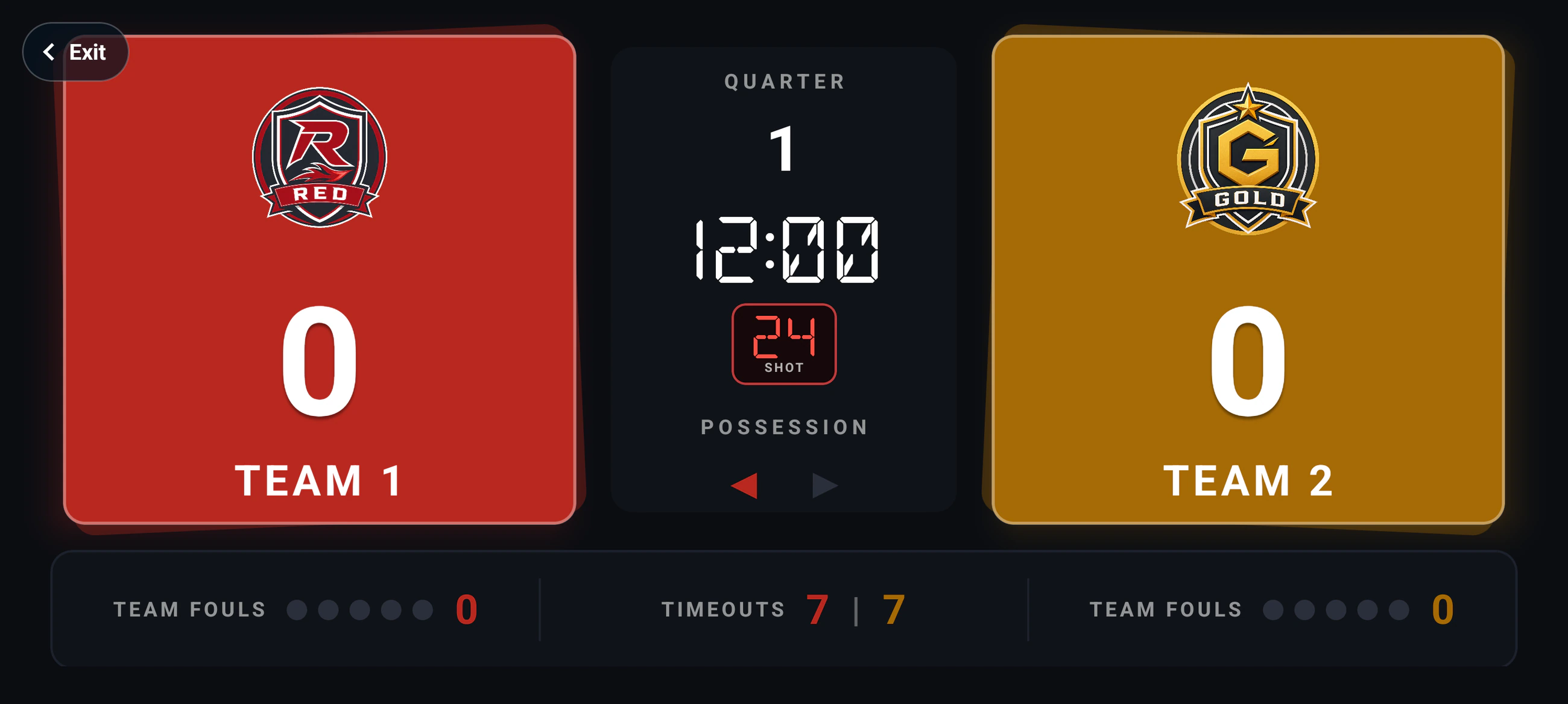
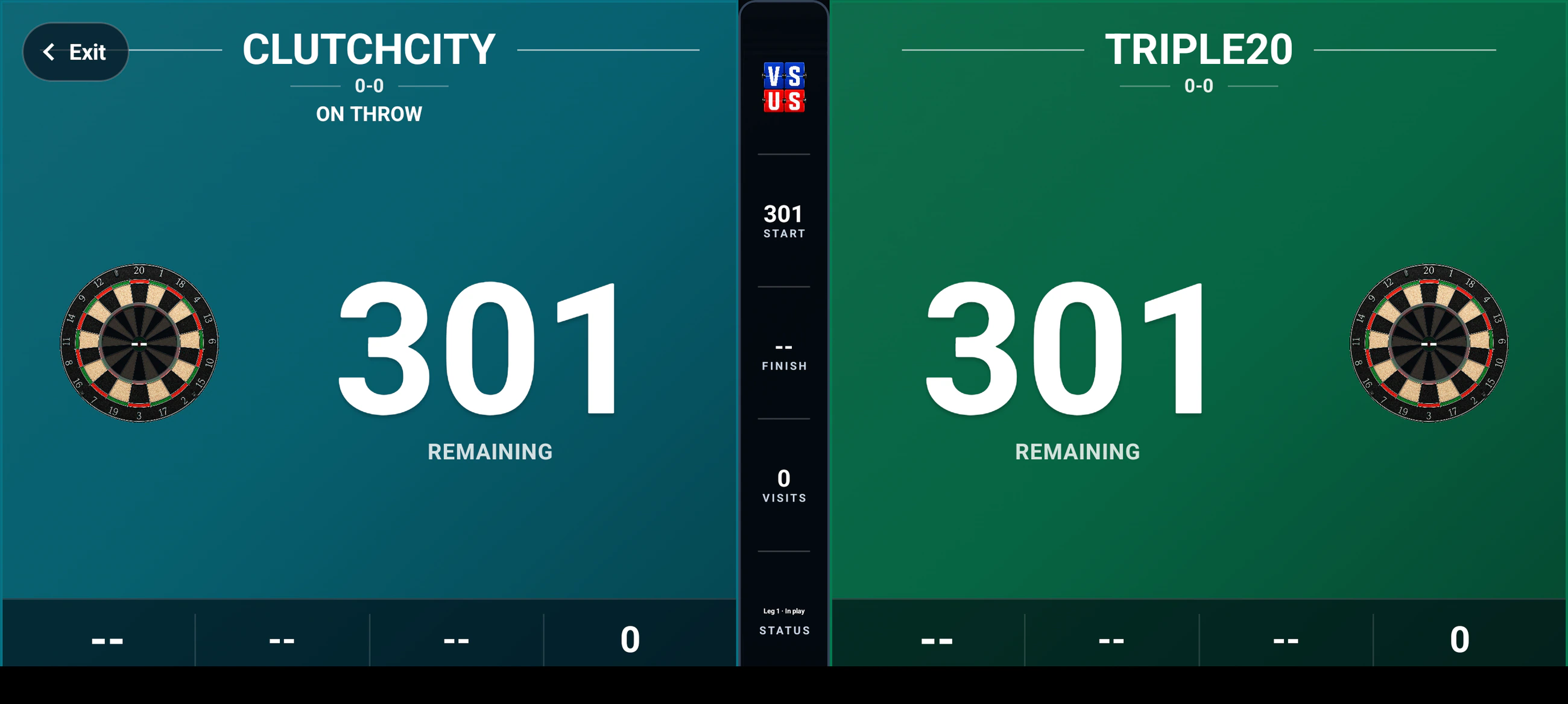
The score screen and the shared Board do not have to match. Choose the Board style, then decide what lives in its center rail: logo, period, time, mode, status, or open space.
- Score-screen skinsChange the scorer's working surface.
- Board skinsChoose what the room sees.
- Five center slotsLogo, period, time, mode, and status.
04 Phone + Board
The scorer gets the controls.
The room gets the game.
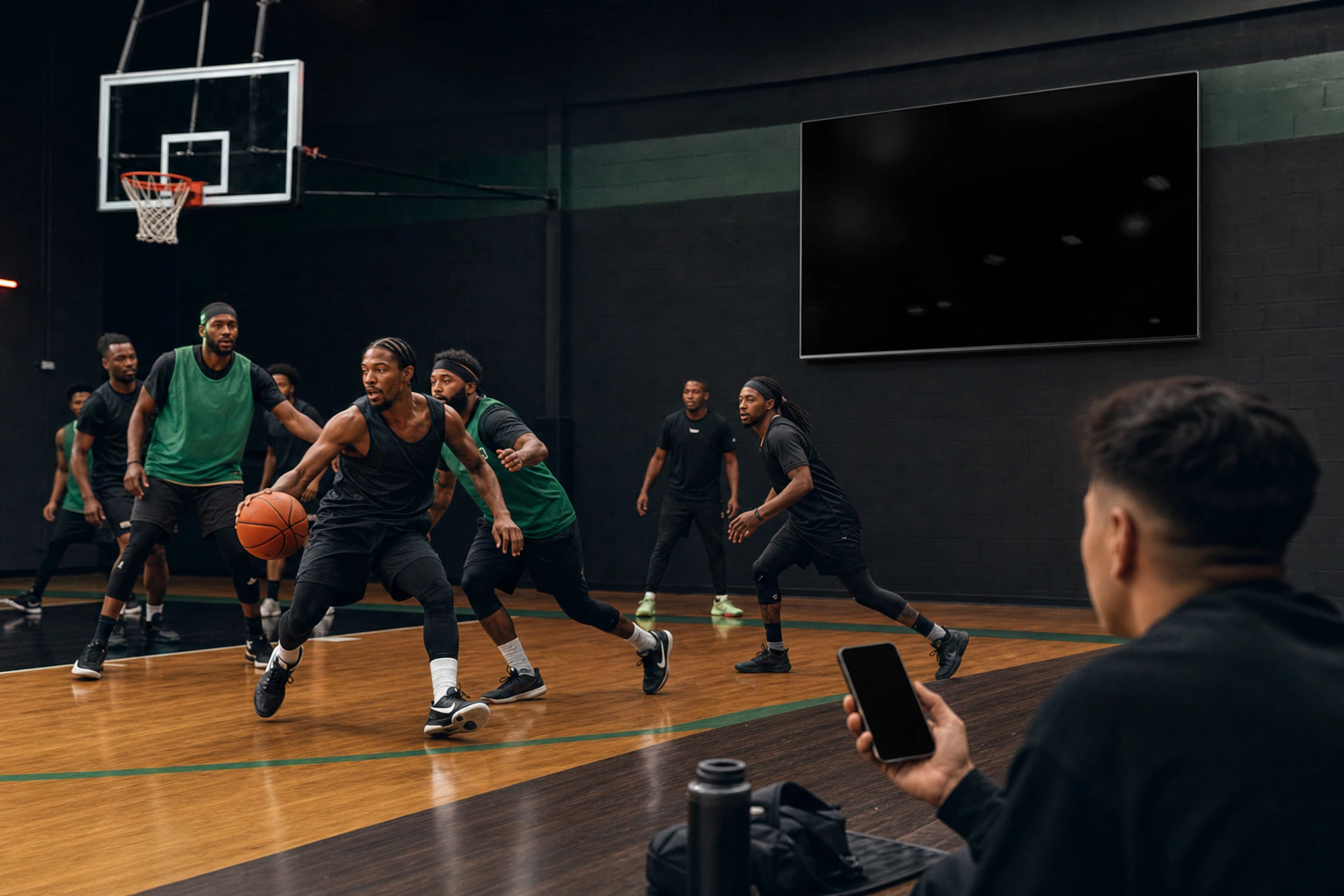
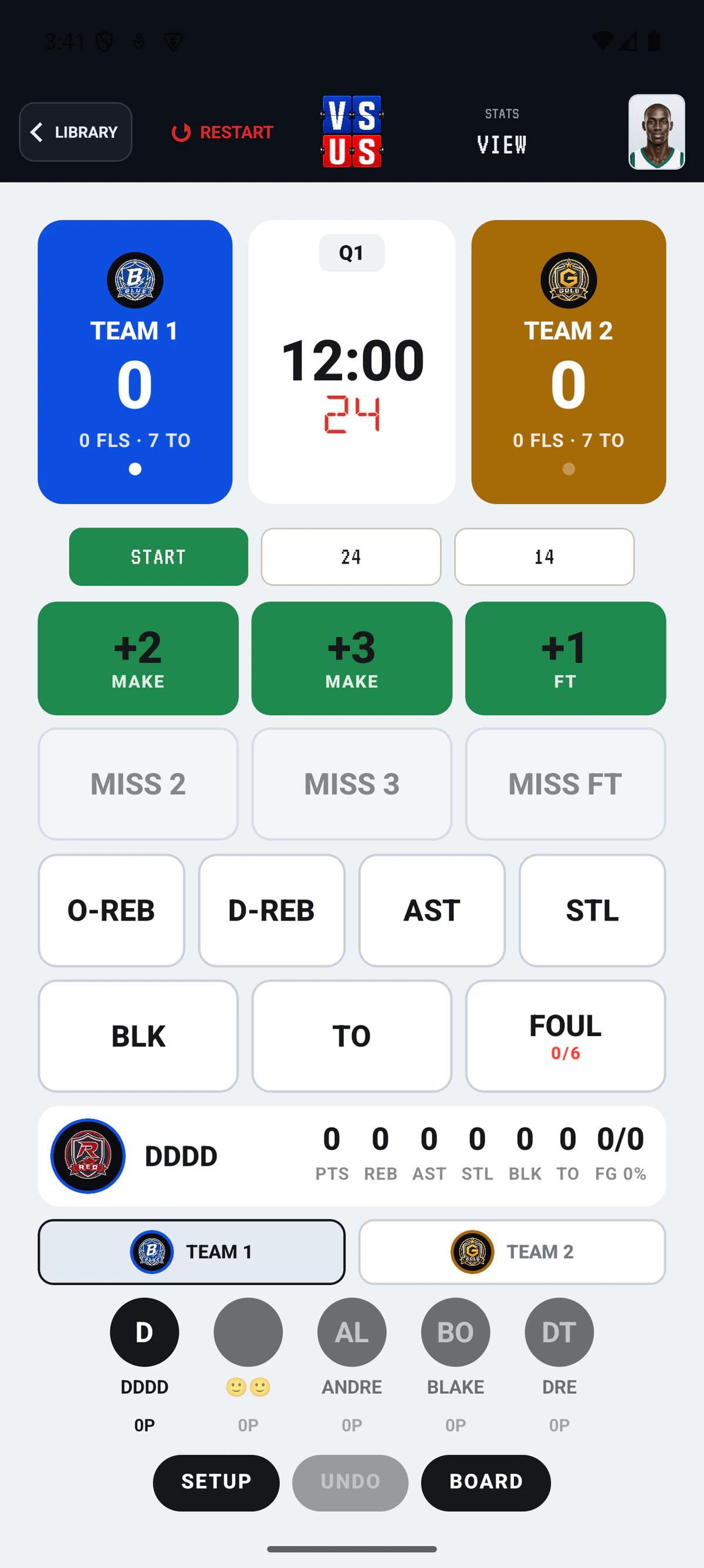
Run possession, clock, shot clock, fouls, timeouts, and player stats from the current Basketball screen while the big display stays readable from the other end of the gym.
See Basketball05 Your people
Names that look like a matchup.
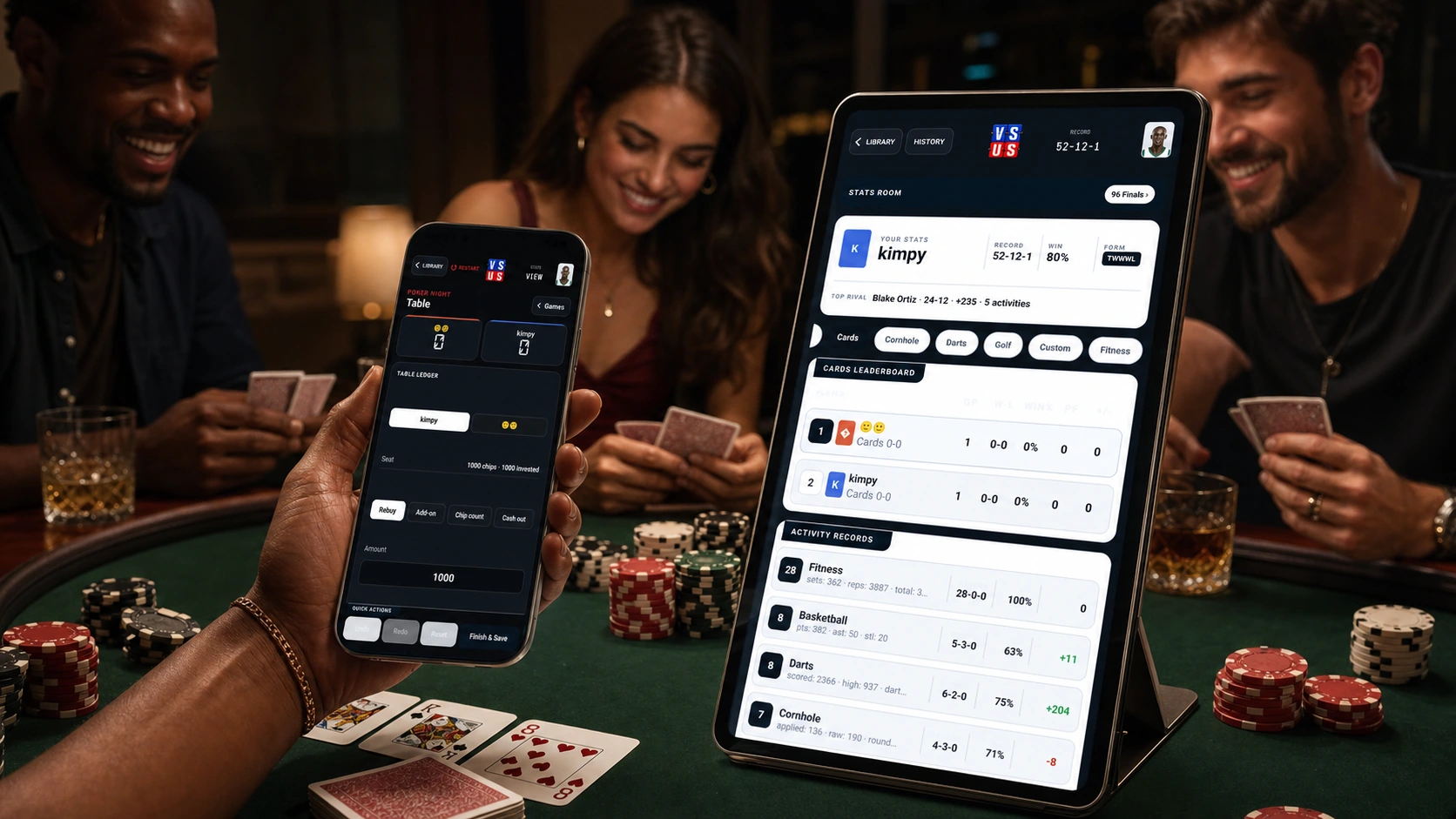
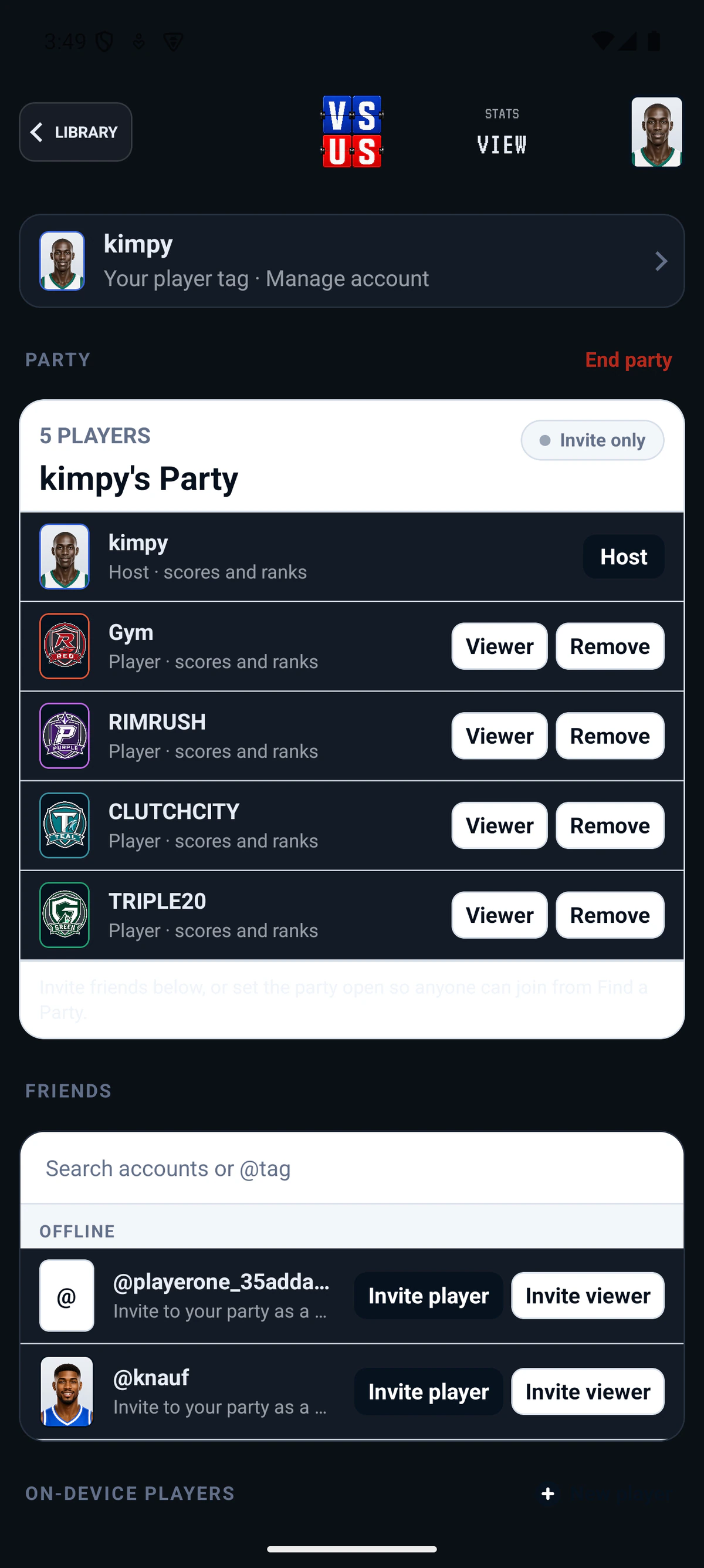
Build the party once, then pull the same players into every activity. Profiles can use player photos or the app's team marks, with colors that carry straight into the scoring screen and Board.
06 Golf goes deep
3,655 courses.
Pick a tee and go.
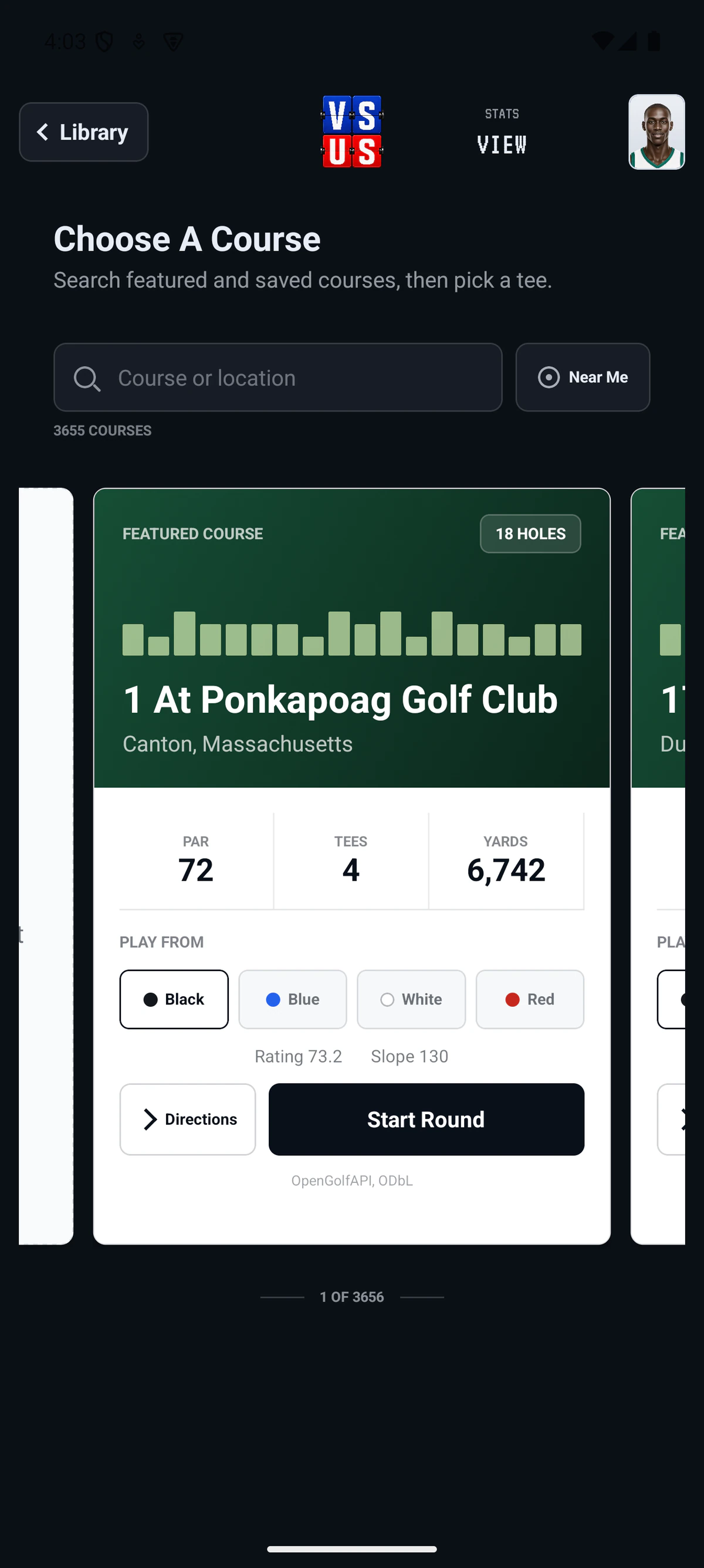
Search the current catalog, use Near Me, compare par, tees, yards, rating, and slope, then start the round with the course already set up.
Explore GolfLIVE Connect the room
Have a room code?
Put it on this screen.
Start an eligible game in VS US, open the party, and enter its four-character code here. The phone stays in control; this browser becomes the Board.