← All activities
07 Your game. Your rules.
Custom games
Start with the scoring rules your group actually uses instead of forcing the game into somebody else's template.New Custom is the starting point for the matchups that do not fit a standard label. Keep the group, score, and shared game experience together in VS US.
How it plays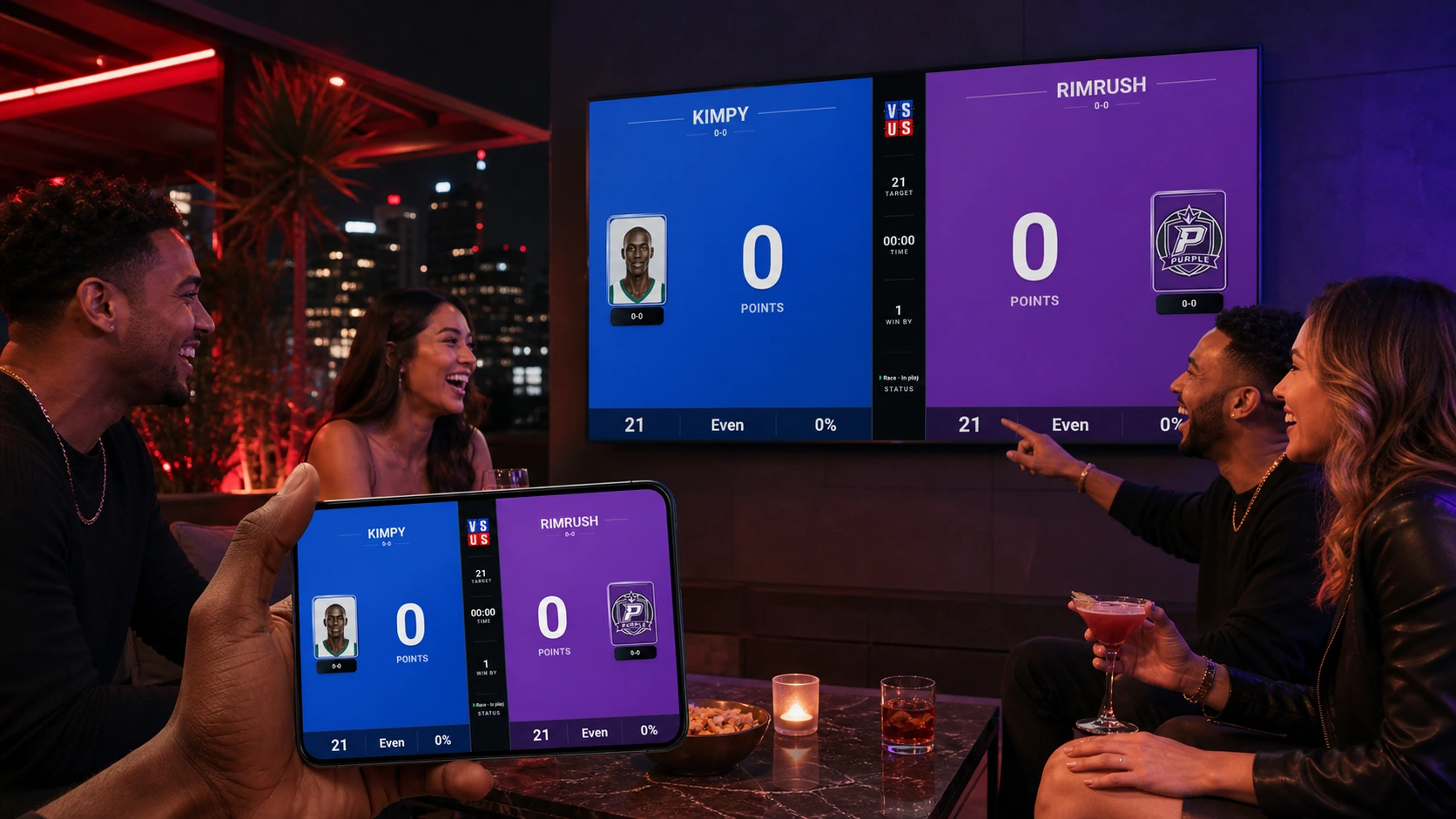
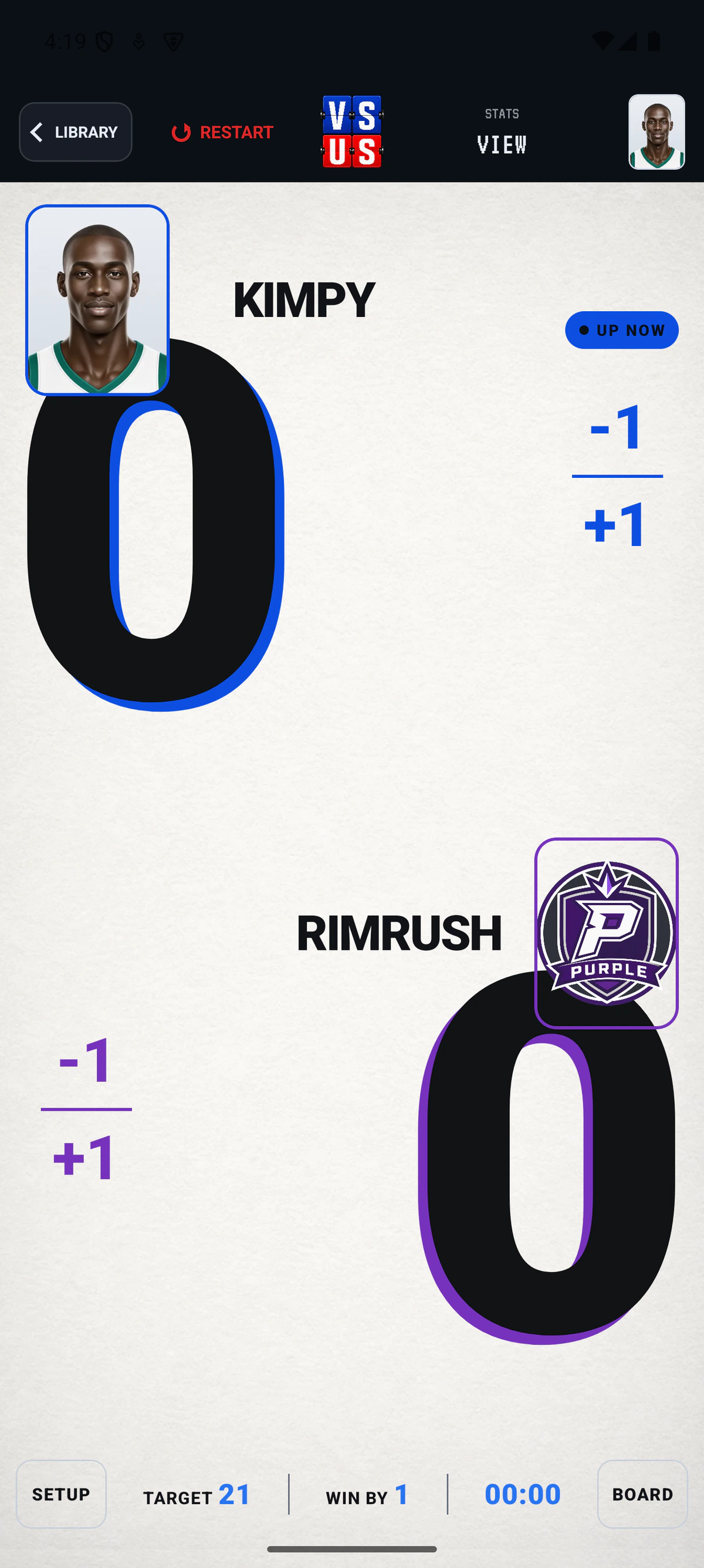
FLOW Start to final
The whole matchup stays in one place.
- 01
Start New Custom
Use the New Custom control in the Library when your group is playing something outside the defaults.
- 02
Set the game up your way
Create the scoring experience around the rules and players your group uses.
- 03
Keep the group together
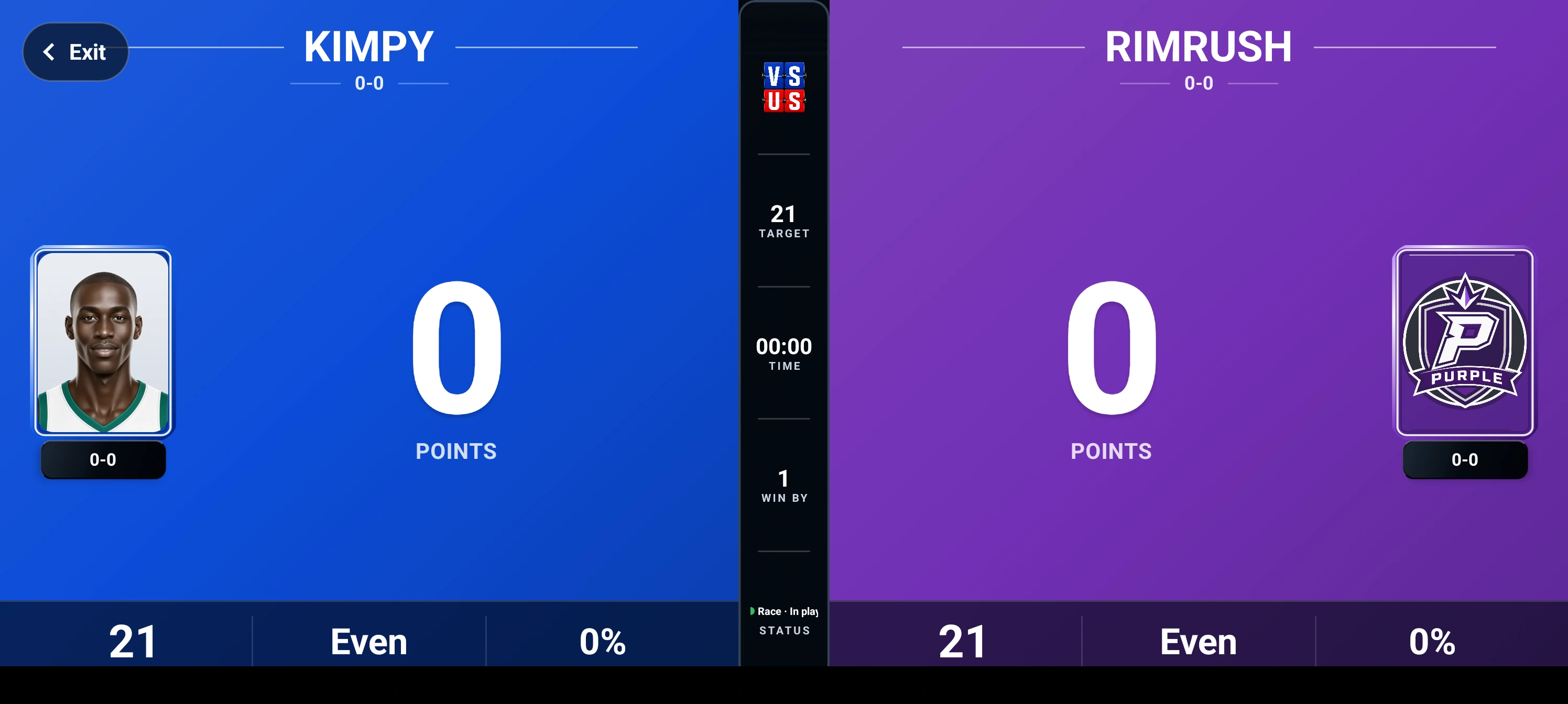
Use the same VS US game flow to keep score, save the result, and share the room when appropriate.
LIVE Shared display