← All activities
06 A workout that keeps its receipts
Fitness
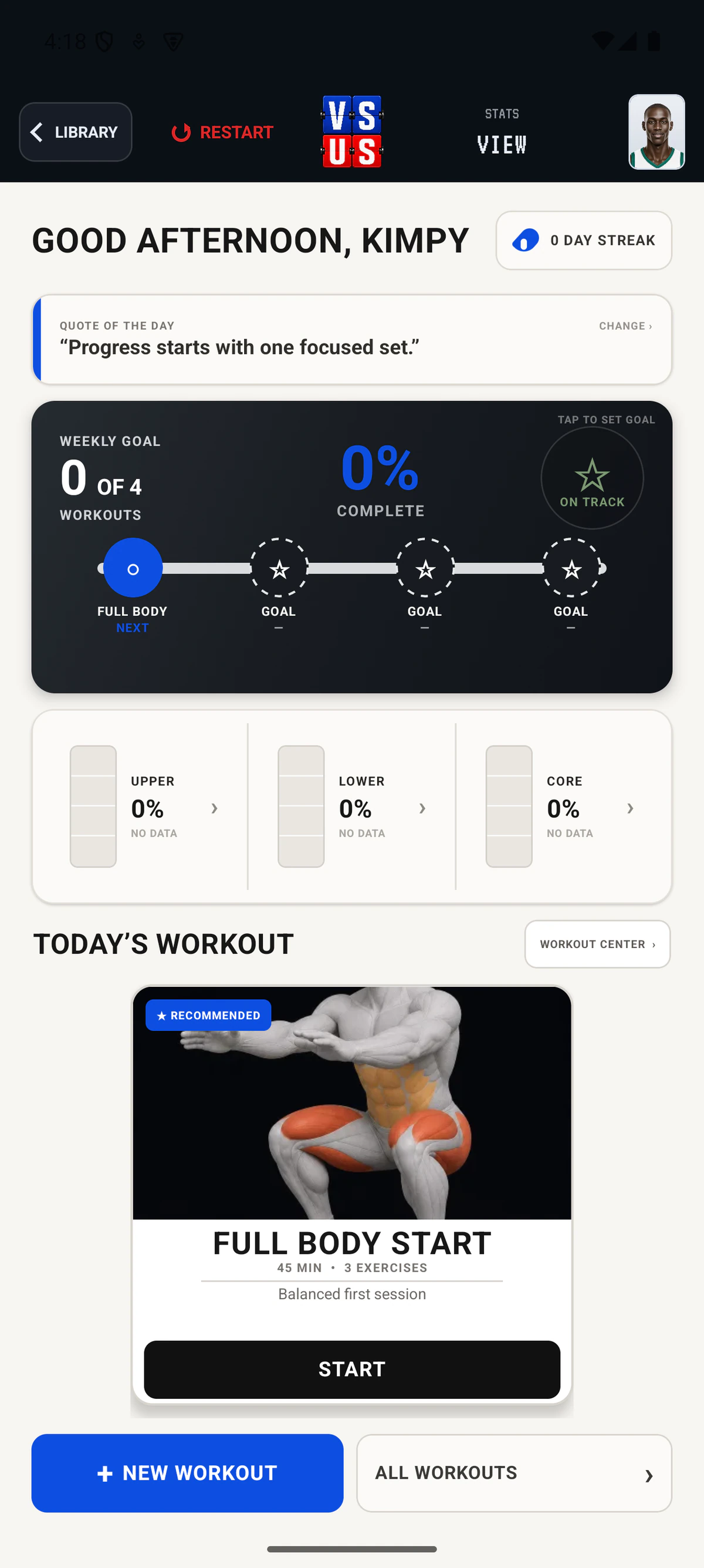
Build a workout or choose a quick template, then track sets, progress, and training goals in the same place.Fitness in VS US begins with a focused weekly view, training-goal progress, workout setup, and a direct path to building or choosing a workout.
How it plays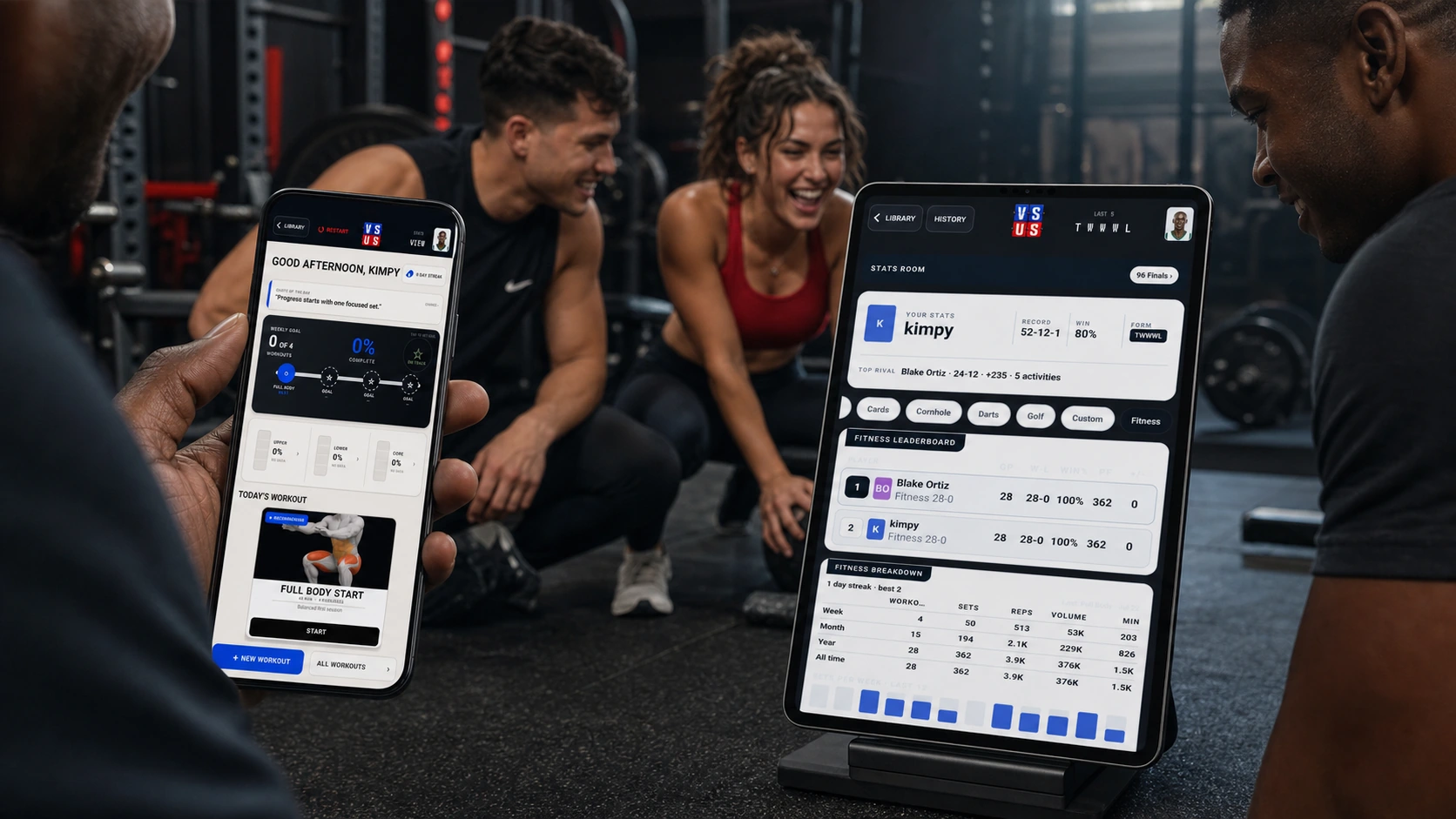
FLOW Start to final
The whole matchup stays in one place.
- 01
Choose a starting point
Open Fitness, then build a workout or select a quick workout template.
- 02
Track the work
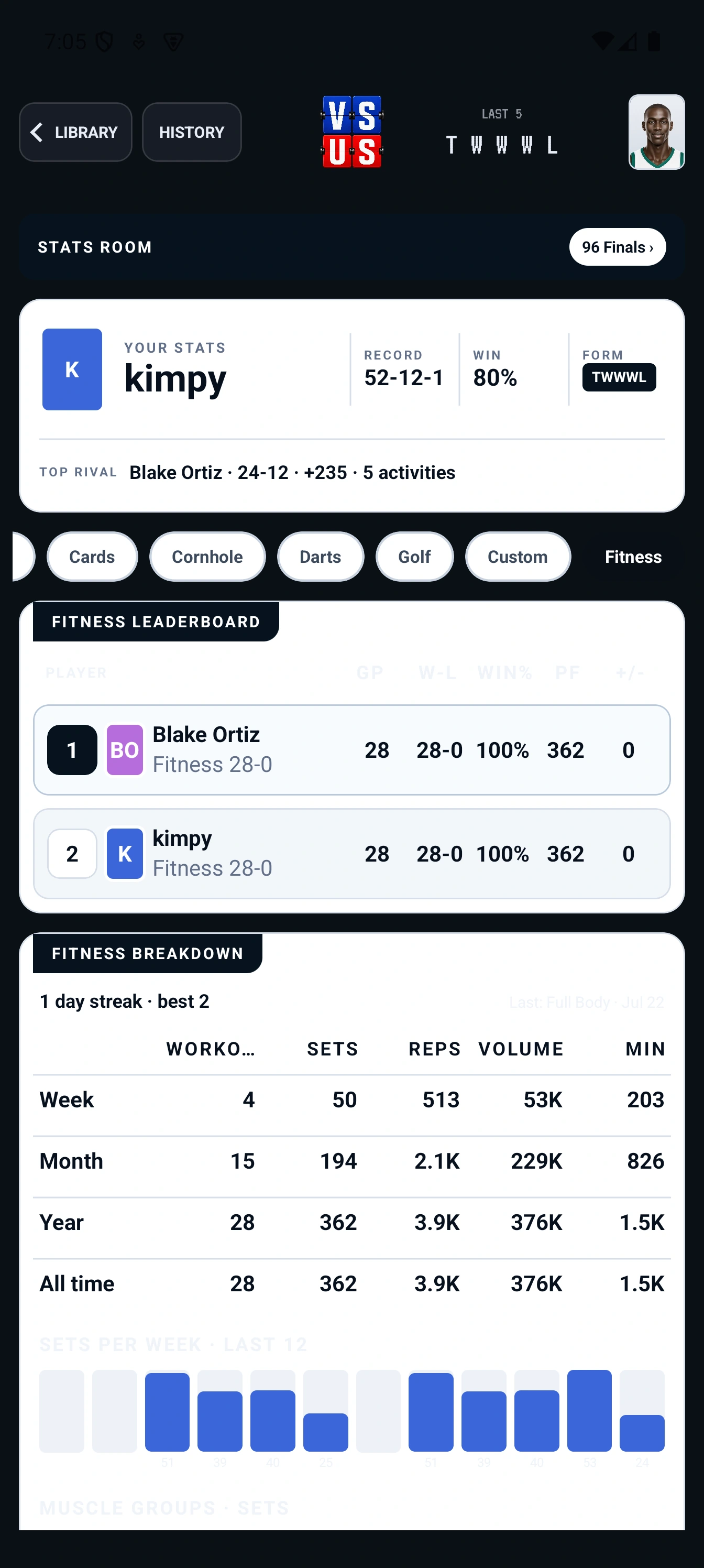
Keep sets, progress, weekly workouts, and training goals visible while the session is underway.
- 03
Save the session
Record the result in VS US so the next workout begins with the recent work in view.
LIVE Shared display