← All activities
01 Hearts, Spades, and table stakes
Cards
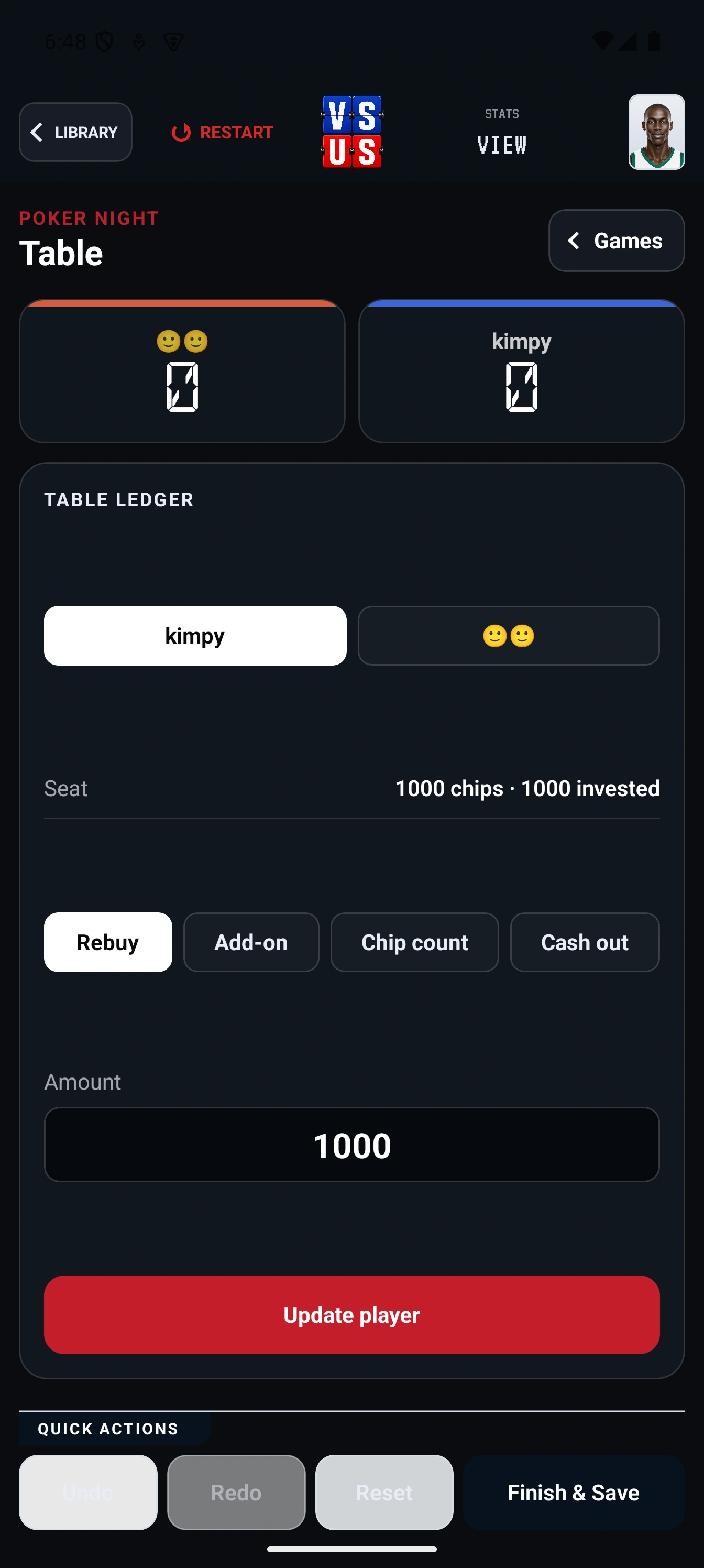
Bring the players, the game format, and the running score together without losing the table.Cards in the current VS US Library gives the group a dedicated place for table-game setup, turn state, and scoring instead of a generic notes counter.
How it plays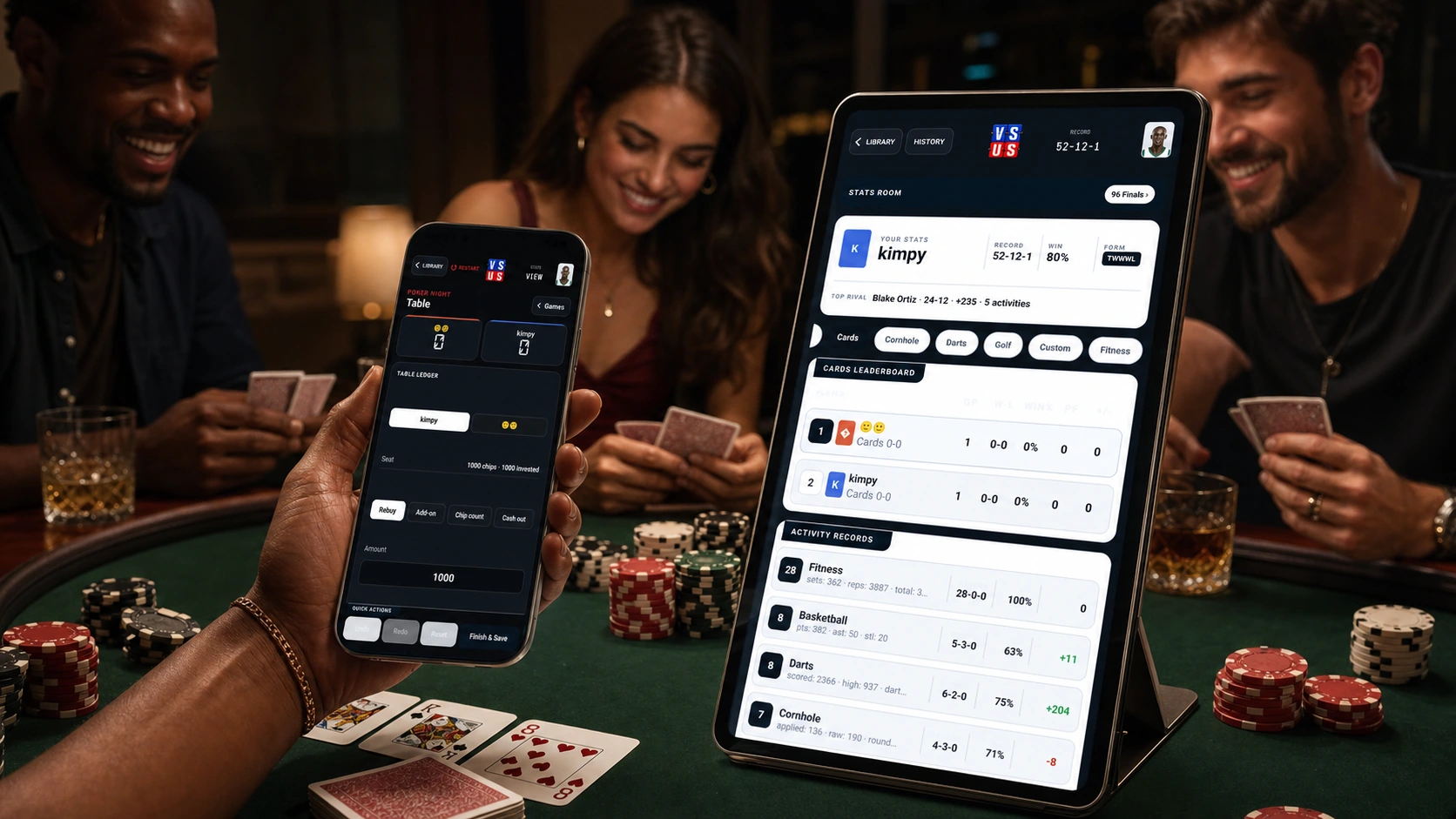
FLOW Start to final
The whole matchup stays in one place.
- 01
Choose the card game
Open Cards from the current Library and select the table format your group is playing.
- 02
Bring in the table
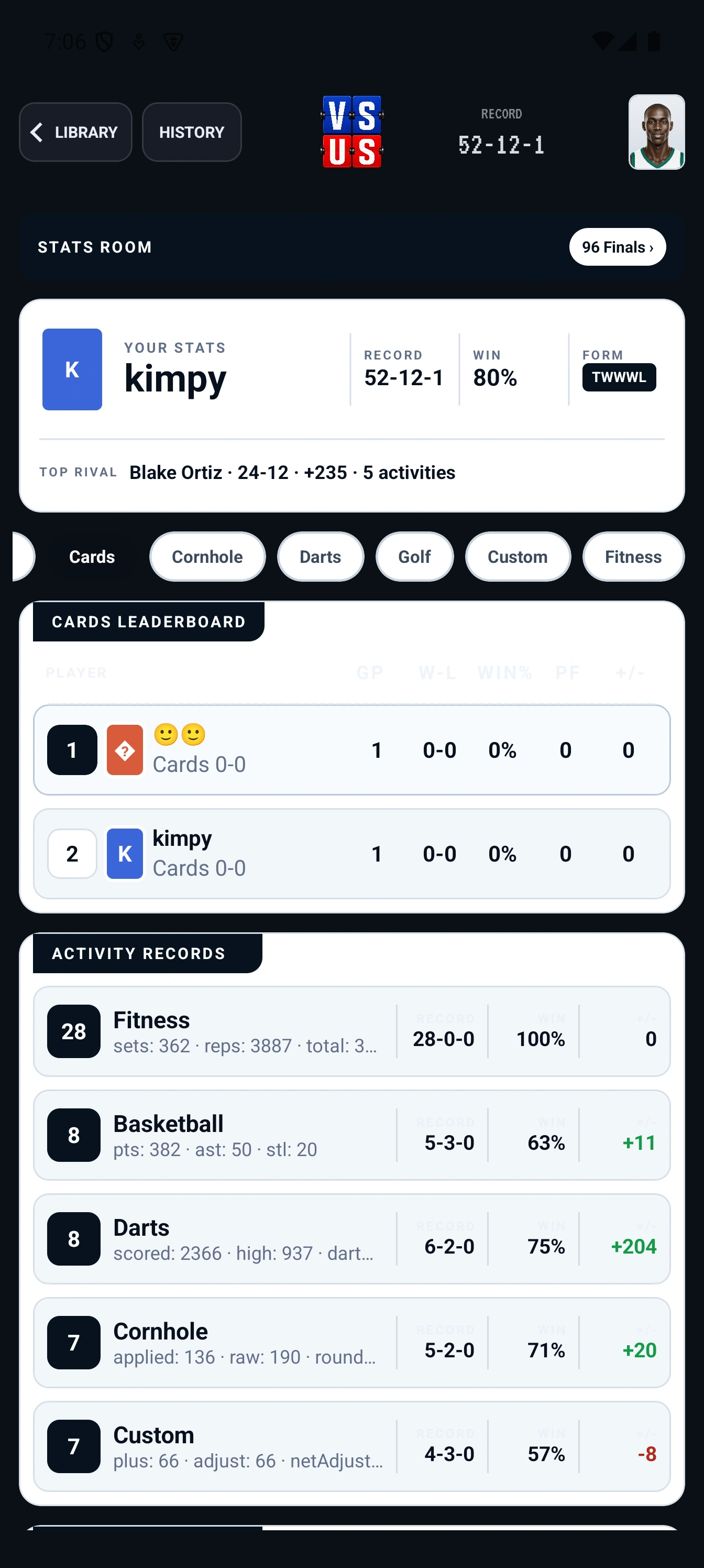
Use the current party and player identities so the matchup is clear from the first hand.
- 03
Keep the running result
Score each hand in the same focused flow and keep the table state visible.
LIVE Shared display