All guides
Game-night setup guide
Set up one phone and one big screen for game night.
The scorer's phone should be a control surface, not the thing everybody has to crowd around. A phone-to-display setup gives the group one score to follow while the person keeping the game moving stays in control.
Explore activities in VS US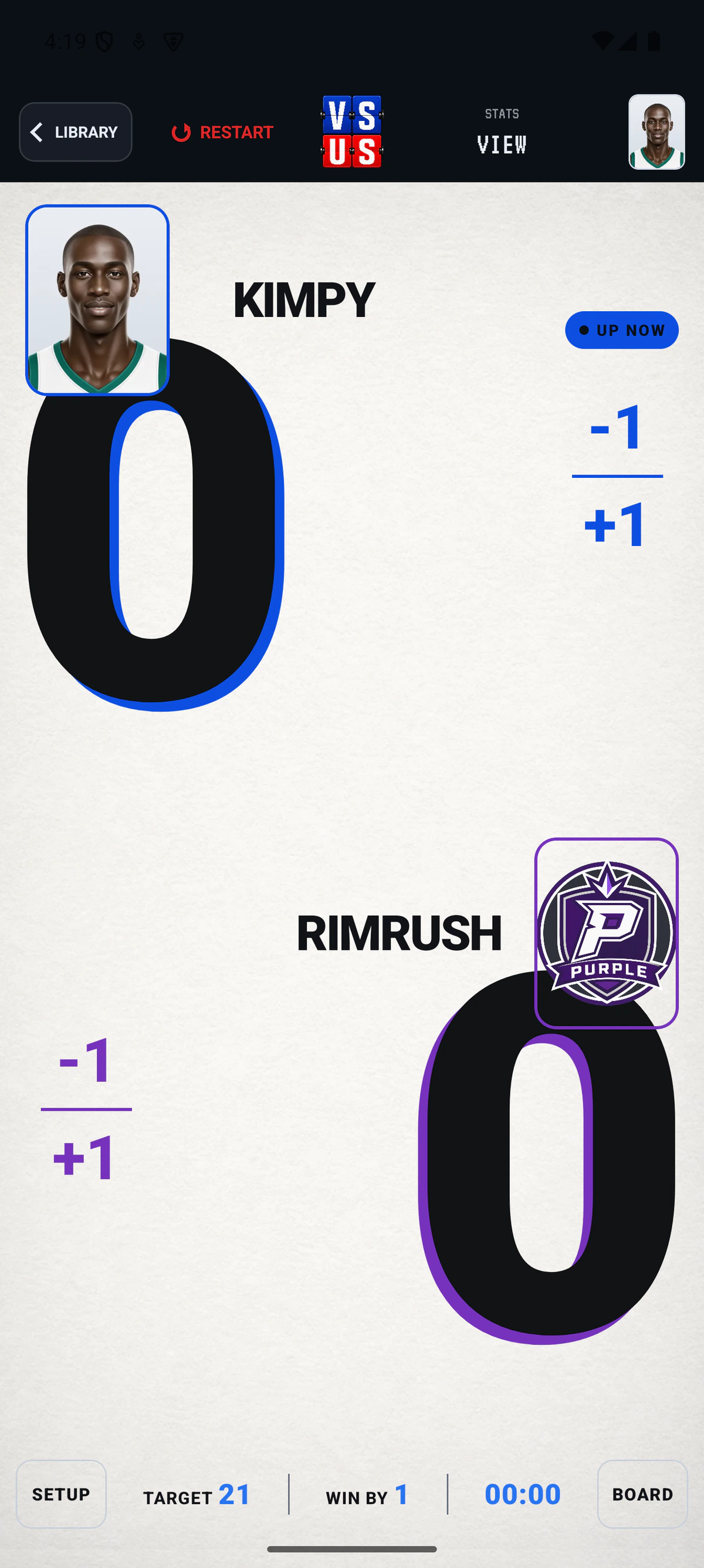
The setup
Three moves to keep the matchup clear.
- 01
Start the matchup on the phone
Choose the activity, set players or teams, and use the scoring surface to keep the game current.
- 02
Open the party and find the room code
Sign in, set the party to Open, and use the short room code for the shared display connection.
- 03
Enter the code in a browser
On the TV, tablet, laptop, or spare browser, enter the code from the VS US homepage to open the live Board for the room.
VS US proof
The phone runs the game. The Board runs the room.
The Board is the shared game state for players and spectators. The phone remains where it belongs: with the person controlling the score.
Open a room code